

Online design editor for print: buy it, extend it or build it
Buy a proven online design editor when your products are standard and your advantage lies elsewhere. Extend a bought editor when you need a few tools it lacks, such as a page preview bar or a background picker. Build your own only when the editor itself is why buyers choose you and you can fund its upkeep for years.
Book a solution review See the related solutionBy Netbase Web-to-Print and Print Commerce Desk · Reviewed by David (CEO) · Updated · 11 min read

This guide is for owners, e-commerce managers and product owners at print businesses who must decide how to get the browser-based designer in which buyers personalise a product. It covers the editor only. Whether to buy or build the whole platform, including pricing, prepress and production integration, is answered in our web-to-print software guide.
In this guide
- What an online design editor must do for print
- Three routes, compared
- The costs of building that do not show in the first estimate
- Questions that decide the route
- What extending looks like in delivered work
- When buying is enough
- Where AI fits in the editor decision
- A practical route to a decision
- What delivery record exists, and what does not
- Frequently asked questions
- How this guide was made
- Next step
What an online design editor must do for print
A print editor has to make a file that prints correctly, on a product with physical limits, for a buyer who is usually not a designer:
-
Templates with locked zones
- What it means for print
- Buyers edit text and images only where the template allows
- Why it is harder than it looks
- Brand and layout rules differ per product and per corporate client
-
Text and fonts
- What it means for print
- Correct kerning, fallback fonts, right-to-left scripts
- Why it is harder than it looks
- Browsers render text differently; the print file must match the preview
-
Image handling
- What it means for print
- Uploads, cropping, resolution warnings at final print size
- Why it is harder than it looks
- A photo that looks sharp on a phone can print blurred
-
Product shapes and sides
- What it means for print
- Labels, boxes, multi-page cards, front and back of a garment
- Why it is harder than it looks
- Most editors assume one flat rectangle
-
Preview
- What it means for print
- Flat proof, mock-up on the product or 3D view
- Why it is harder than it looks
- The preview is what the buyer approves, so it must be faithful
-
Output
- What it means for print
- A production file per order, named and sized for the press
- Why it is harder than it looks
- Operators should never rebuild a design by hand
-
Accessibility and mobile
- What it means for print
- Works with a keyboard, on small screens and without fine dragging
- Why it is harder than it looks
- Canvas editors are drag-heavy by nature
The last row is often forgotten. WCAG 2.2, the current W3C Recommendation, requires that all functionality can be operated through a keyboard (success criterion 2.1.1) and, at level AA, that anything done by dragging also has a single-pointer alternative (2.5.7). A design canvas that only works with a mouse drag fails both.
Three routes, compared
"Build" covers both writing an editor from scratch and assembling one from an editor SDK, because in both cases you own the interface, the storage and the integration.
| Criterion | Buy as it is | Buy and extend | Build (SDK or from scratch) |
|---|---|---|---|
| Time to first live product | Shortest; configuration only | Short; configuration plus the custom features | Longest; the whole editor is a project |
| Fit to unusual products | Only what the product supports | Gaps closed one feature at a time | Whatever you specify |
| Who maintains fonts, browsers and output | The vendor | The vendor for the core, you for your extensions | You, permanently |
| Control of the roadmap | The vendor's | Shared: vendor core, your extensions | Yours |
| Main risk | The product's model of print does not fit your workflow | Extensions break when the core is upgraded | Maintenance absorbs the team that should build your advantage |
| Ownership | Licence | Licence for the core; custom code owned as agreed | Owned, apart from any SDK licence |
The costs of building that do not show in the first estimate
An editor is not finished when it first works. Polotno, which sells an editor SDK, lists the costs that keep arriving after launch: text rendering and fonts, export fidelity including CMYK colour and embedded fonts in PDF, performance on weaker devices, undo, browsers changing canvas behaviour, and knowledge held by one engineer. It puts yearly maintenance at 20 to 30 percent of the build cost. Treat that as a vendor estimate, but check each item against your plan: in print, a font or colour problem becomes a reprint.
An SDK removes part of this work, not all of it. IMG.LY, another SDK vendor, notes that with an SDK you still build the interface, the integrations, the workflow around the editor and its upkeep, while a white-label product is ready to rebrand but limits customisation. In print, the integrations are templates per product, designs saved with the order and a production file generated on the server.
Questions that decide the route
Answer these for your own business. The more "yes" answers, the further right in the comparison table you belong.
-
Do buyers choose you because of how the design experience works?
Build, or extend heavily
-
Do your products have shapes, sides or page sets a standard editor cannot model?
Extend, or build if the gaps are many
-
Do corporate clients need locked brand templates with their own rules?
Extend
-
Do you need the editor inside several storefronts or apps?
Buy a product that already runs in them, or build once as a service
-
Will you change the editor more often than a vendor releases?
Build
-
Can you fund a team that maintains the editor for years, not months?
Required for build
-
Is the editor a feature of your store rather than the product you sell?
Buy, or buy and extend
What extending looks like in delivered work
The Netbase records below sit in the middle column: a proven designer, extended where a business needed something it did not have. Netbase has delivered 50+ custom web-to-print platforms across apparel, packaging, signage, promotional merchandise and corporate B2B portals, and CMSmart and Printcart, two Netbase Business Divisions, make online design products. These records show the size and shape of typical extensions.
Customers who used the design tool converted 40% better
Completed designs rose 32% in six months
- A design preview bar. An online design tool provider in Thailand wanted users to create several designs on one page. Netbase built a preview bar that lists every design page as a thumbnail, jumps to a page, adds pages and lets users choose which pages to print; it took about one week from concept to finished build. See the preview bar record.
- A background tab at USticker. The Australian sticker printer's designer gained a background tab where shoppers upload their own image, pick a solid colour or choose from a library the admin fills. Across the wider USticker project, customers who used the design tool converted 40% better, a figure that applies to design-tool users, not all visitors, and completed designs rose 32% in six months. Read the USticker case study.
- Output fitted to the order flow. A German invitation printer that bought the NBDesigner product designer had it customised so that all pages of a design export into one print PDF even when page sizes differ, with a product key and the quantity written into the file name. See the invitation printer record.
- PDF artwork inside the editor. For a large-format printer in Singapore, uploaded PDF artwork is converted page by page into editable pages mapped to the sides of a product, with a warning on low-resolution uploads. See the large-format record.
- Photo tools and 3D preview. For an online print service, Netbase added a remove-background tool and more than 30 cartoon filter styles to its existing designer. Rebelo AG's boxes got a 3D preview in the NBDesigner editor, on a go-live timeline of about three and a half months. See the Rebelo AG case study.
The pattern: extensions are measured in days or weeks, while a new editor is measured in months, and the business keeps the vendor's work on fonts, browsers and output. More examples, grouped by use case, are in our web-to-print customer stories.
Plan the next step with a Netbase consultant
When buying is enough
Buying as it is works when your products are standard, your store runs on a platform the product supports, and your advantage is price, speed or service. Printcart, a Netbase Business Division, is one such product: it runs on a merchant's own store or as Shopify, Wix and WooCommerce apps, with setup in about 7 days. We name it because it is ours; judge it like any other. A label business can combine ready-made products, editable templates and a file-upload path around an integrated product designer, as the label printing record shows. Choosing among named plugins for a WooCommerce or Magento store specifically is covered in our plugin-selection guide.
Where AI fits in the editor decision
AI features now appear on most editor shortlists: layout suggestions, image upscaling, background clean-up and plain-language warnings about files likely to print badly. A bought editor gives you the vendor's AI features and decides where buyers' artwork is processed. An extended or built editor lets you choose the AI services, agree that uploaded artwork does not train third-party models, and keep the rule that the buyer approves the final proof. Netbase chooses AI tools and models per project. These uses are capabilities to evaluate; none of the delivered editor records above is an AI feature.
A practical route to a decision
-
List your products by editing need
Mark which ones need only text and image edits, which need special shapes, sides or pages, and which need corporate template rules.
-
Test two or three bought editors against the hardest products
Use real templates and real buyer tasks, on a phone as well as a desktop.
-
Write down the gaps
For each gap, estimate it as an extension. Many gaps are one to a few weeks of work each.
-
Compare total cost of ownership over three years
Licence plus extensions for buying and extending; build plus yearly maintenance for building.
-
Check output with production
Whatever the route, run real orders through to the press file before you commit.
For the wider set of questions to settle before implementation, work through the web-to-print implementation checklist.
What delivery record exists, and what does not
Netbase has delivered editor extensions, configured bought designers and built stores around them, as the records above show. CMSmart and Printcart make online design products of their own, but no published client record describes a design editor written from scratch for one print business, and no published record compares the cost of the three routes for one business, so this page gives no cost or savings figure. The USticker figures are the only measured results here; the other records are scope records without results. The client owns the IP created in custom development, while Business Division products are licensed, not transferred.
Limits of this guide: the comparison is a planning framework, not research. The Polotno and IMG.LY points come from SDK vendors with a commercial interest. The USticker figures were reported without a baseline and cover the whole project, not the background tab alone. WCAG is cited as a requirement to specify, not as a claim that any product conforms.
Frequently asked questions
No. An SDK gives you the canvas and editing engine, but you still build the interface, storage, integrations and upkeep of your implementation. A ready product or plugin comes with those parts.
It depends on the feature. In Netbase records, a design preview bar took about one week from concept to finished build, while a 3D preview for multi-sided boxes went live on a timeline of about three and a half months.
Yes. It is the counter of your online shop. Keyboard operation and alternatives to dragging are written requirements in WCAG 2.2.
No. Netbase builds custom and hybrid web-to-print platforms and extends bought designers; the web-to-print platform solution explains the delivery options, and product personalization covers design tools outside print.
How this guide was made
The Netbase Editorial Team wrote this guide from Netbase's registered delivery facts, citable CMSmart community stories and the sources below; David (CEO) reviewed every Netbase fact. Drafting used AI assistance (Claude); no figure here was produced by AI.
Next step
Send us your hardest products and the editor you use today, and we will book a solution review to compare buying, extending and building for your catalogue. You can also see the related service, meet our Business Divisions or browse more Netbase insights.
Work behind this guide
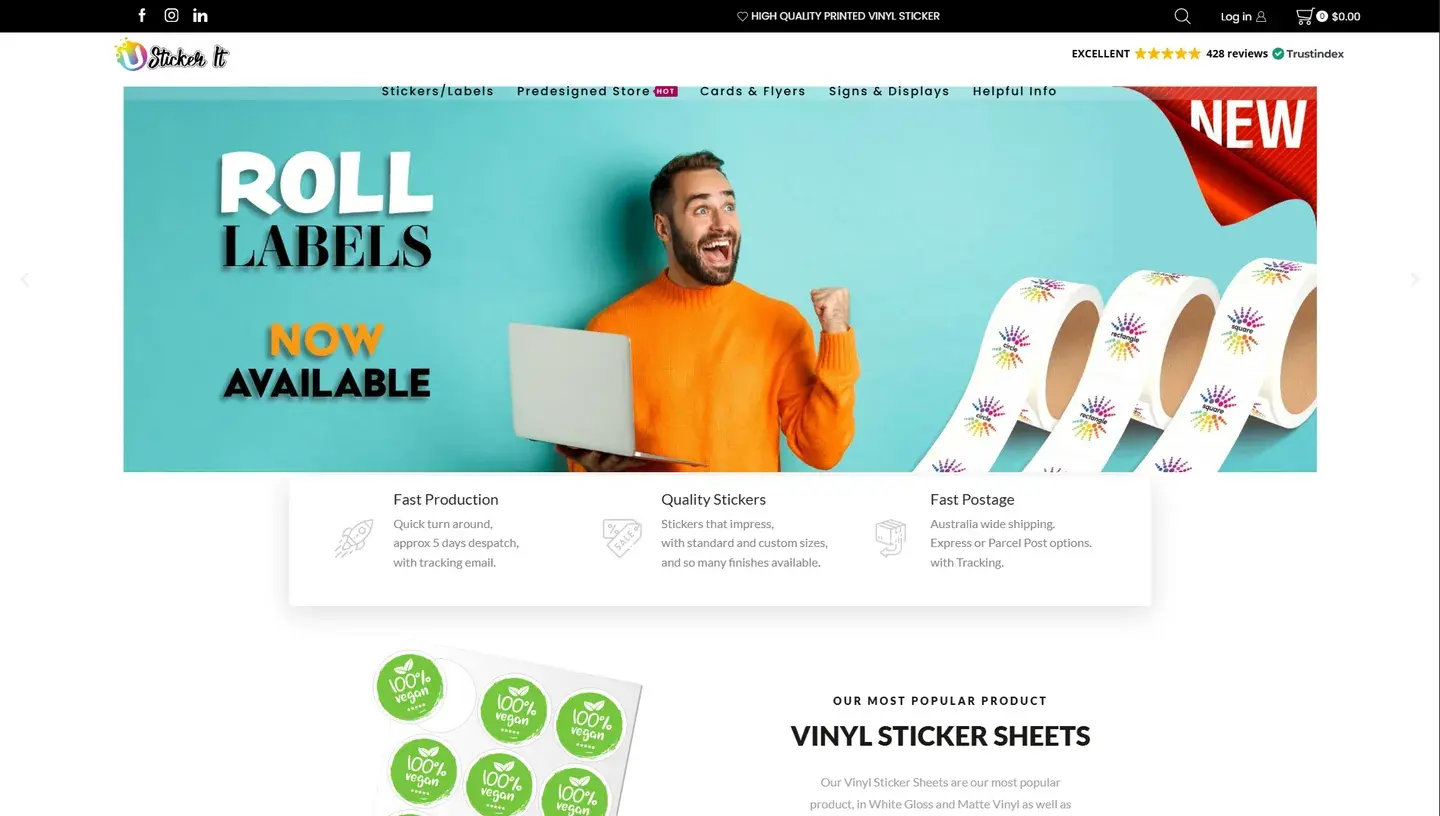
Design-tool users converted 40% more often, and online-order revenue rose 15%.
Keep Reading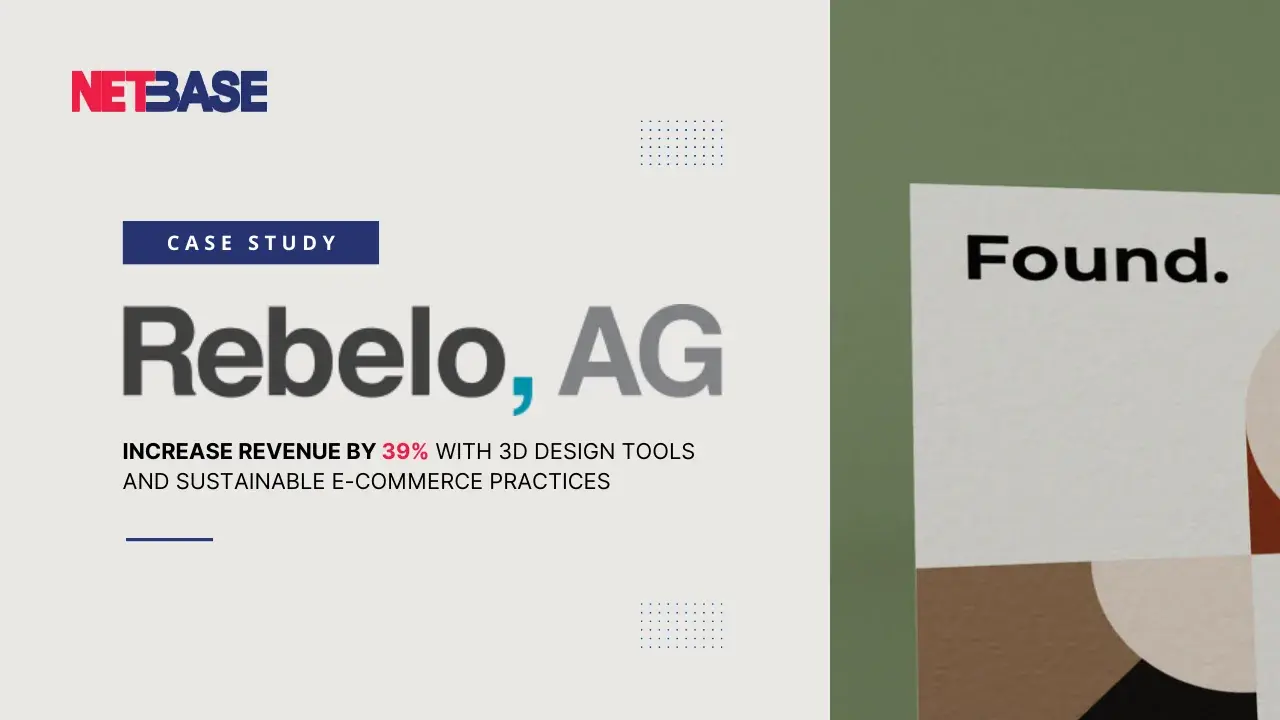
Rebelo reported 39% revenue growth in the first year and 65% fewer visualization inquiries.
Keep Reading
Netbase, through its CMSmart division, rebuilt the site remotely over several phases with its own interface, workflow and custom functions, including PDF artwork that shoppers edit inside the online designer.
Keep ReadingRelated services and solutions
 AI-enabled ecommerce development for merchants who outgrew templates
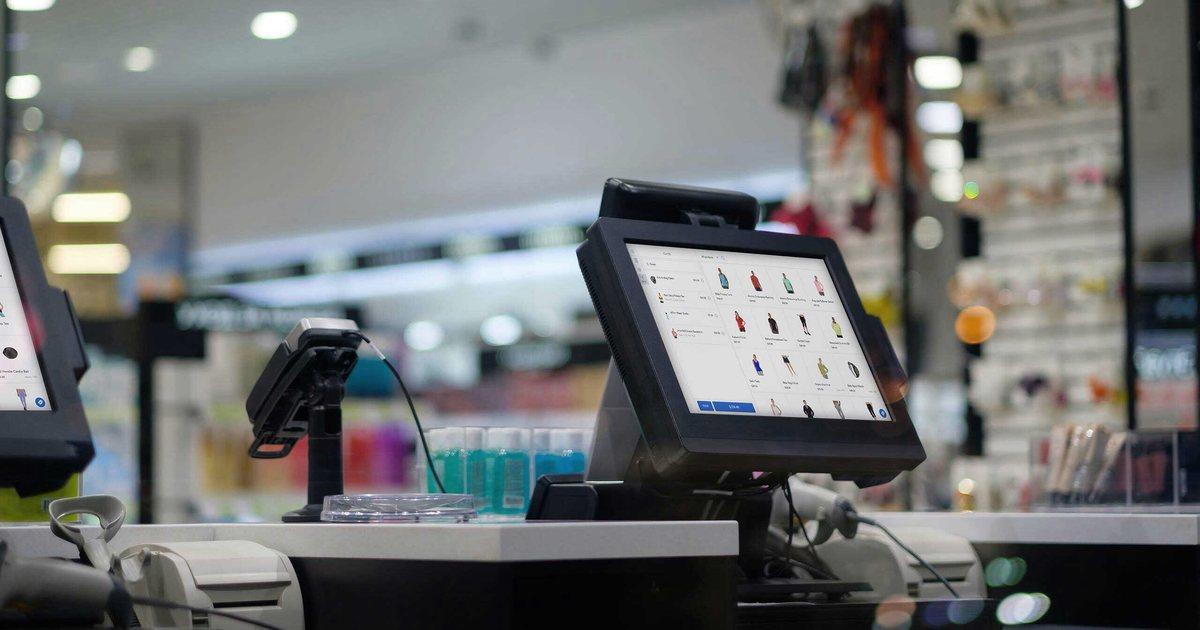
Netbase provides custom ecommerce development for merchants that have outgrown templates, to turn traffic into orders with less manual work, using AI for search, recommendations and catalog work where it pays. We build on WooCommerce, Magento 2, Laravel and headless stacks; 4over4, whose store gained an AI recommendation engine, reported 82% more revenue within six months.
Learn More
 Web-to-print platform with AI design assistance, from online design to a print-ready order
A web-to-print platform is an online ordering, design and prepress workflow that helps print businesses sell custom products: customers configure, design and approve their order online, AI can suggest layouts and catch artwork problems, and production receives a print-ready file. Netbase has delivered 50+ custom web-to-print platforms across apparel, packaging, signage, promotional merchandise and corporate B2B portals.
Learn More
 Product personalization software with AI design suggestions: let shoppers design what they buy
Product personalization software lets shoppers design custom products online, adding their own text, images and options with a live preview and AI design suggestions before they buy. Netbase builds it into commerce platforms: at USticker, shoppers using the design tool converted 40% better, and Indieprint cut design errors 28% with automated print-ready files.
Learn More
Work with Netbase remotely
Every Netbase engagement is delivered remotely, so clients in any country and any industry can work with us; Netbase has worked with clients in 80 countries. Contracts and invoices are issued by Netbase JSC, and payment is made by bank transfer to Netbase JSC's company account or PayPal Business. Talk to the CEO, Huy Nguyen (David), on WhatsApp or by email.
Discuss a project
Netbase JSC helps organizations design, build, modernize, and operate digital products and AI-enabled business systems.project@netbasejsc.com
+84 937 869 689
91 Nguyen Chi Thanh, Dong Da, Hanoi, Vietnam
Get in touch
Tell us what you want to build, modernize, or operate.