

Web-to-print implementation checklist: what to settle before, during and after the build
A web-to-print implementation succeeds when ten things are settled before launch: products and pricing, the online designer, previews, print-ready files, checkout, speed, integrations, ownership, accessibility and a recorded baseline. This checklist turns each one into a decision with an owner and a test, drawn from Netbase's delivered print projects.
Book a solution review See the related serviceBy Netbase Web-to-Print and Print Commerce Desk · Reviewed by David (CEO) · Updated · 11 min read

It is written for owners, operations managers and e-commerce managers at print businesses who have already decided to launch or replace a web-to-print platform. It does not repeat the architecture, build-or-buy and ROI questions; the web-to-print platform guide covers those.
How to use this checklist
Give every item one owner on your side: the person who decides and who signs off the test. In most print businesses that means the owner or general manager, the production or prepress lead, the e-commerce manager and whoever runs finance. Mark each item as ready, at risk or blocked in your weekly review, and do not start a phase while an item from the previous phase is still blocked.
The checklist at a glance
| Check | Decide before build | Test before launch |
|---|---|---|
| Products and pricing | Every product family, option, quantity break and customer group in the first release | Staff quote ten real past orders on the new site without a manual override |
| Online designer | Who designs: first-time buyers, trade customers or both | A first-time buyer finishes a design on a phone without help |
| Preview and proof | What the buyer sees and approves before paying | Buyers approve a proof that matches the printed result |
| Print-ready files | File format, preflight rules and who handles exceptions | Real jobs pass preflight and reach press without rework |
| Checkout and payment | Steps, payment methods and how artwork links to the order | A test order moves from cart to paid in the agreed steps |
| Speed | Page-load and image targets on phones | Product and designer pages meet the target on a mid-range phone |
| Integrations | Which systems receive orders, files and status | An order reaches production with no re-keying |
| Ownership and training | Who runs releases, content and buyer support | Staff run a day of orders without the delivery team |
| Accessibility | The standard the designer and checkout must meet | Keyboard and screen-reader checks pass on the order path |
| Baseline and metrics | The two or three metrics that justify the project | Baselines are recorded, scoped and dated before launch |
Phase 1: before you sign
Model the products and prices first. List each product family with its options, quantity breaks, customer groups and turnaround, and decide which families launch first. Pricing is usually the most business-specific part of a print platform, and it is the first thing a generic product simplifies away. ACT Printing, a custom apparel shop, needed print zones, garment colours and size packs modelled before its guided ordering flow could work.
Map the integrations before any screen is designed. Follow real orders from quote to dispatch and mark every point where someone re-keys data or fixes a file. Geo-Tek IT Solutions in Cyprus needed its online design platform to fit its existing systems from day one, so the integration scope had to be known before design started. If several vendors or partner print sites will fulfil orders, read the marketplace platform architecture guide before you fix the order model.
Record a baseline and scope every metric. Choose the two or three metrics the platform must move, such as online conversion, design completion or prepress minutes per job, and record them before anything changes. Scope matters as much as the number: USticker reported that customers who used its design tool converted 40% better, a figure that applies to design-tool users, not to every visitor. Without a recorded scope and baseline, a result cannot be compared.
Phase 2: during the build
Design for the least experienced buyer. Most print buyers are not designers. USticker's designer had to serve professional designers and first-time customers alike, so its background feature lets shoppers upload an image, pick a colour or choose from a library the store fills. Test every template with someone who has never used it, on a phone. Whether to buy, extend or build the designer itself is covered in our editor build-vs-buy guide.
Give buyers a preview they trust. A preview answers the question every personalised order raises: what will I actually receive? Rebelo AG in Portugal added a 3D preview for boxes and other multi-sided products, and reported that customer service inquiries about product visualization fell 65%.
Shorten checkout and keep artwork attached to the order. 4over4 removed checkout steps and added autofill; USticker integrated a secure payment gateway with several payment options. Whatever the flow, the approved design must travel with the order record, so production never guesses which file belongs to which options.
Treat speed as a feature. Designers and product pages carry heavy images. PrintLeo reported a 40% lower bounce rate as its page loads got 35% faster, and USticker's page load time fell 21%. Set a target for product and designer pages on a mid-range phone, and test against it in every release.
Specify artwork checks, proofing and print-ready output
Decide what happens to every file between upload and press before any screen is designed. Four specifications settle it:
-
Upload checks
- What to write down
- Accepted formats, minimum resolution at final size, bleed and safe zone per product, what the buyer sees when a check fails
- Why it matters
- A problem caught at upload costs the buyer one click; caught in prepress it costs an operator and a delay
-
Proof
- What to write down
- What the buyer approves (flat preview, product mock-up or 3D), and that the approved proof is stored with the order
- Why it matters
- The proof is the contract for what gets printed
-
Output
- What to write down
- The file each product family needs (for example a PDF/X file such as PDF/X-4, one file per order or per page), naming, and where it is delivered
- Why it matters
- Operators should never rebuild or rename files by hand
-
Exceptions
- What to write down
- Which failures block checkout, which only warn, and who decides on a warned file
- Why it matters
- Blocking every borderline file loses orders; blocking none moves reprints to production
Preflight at both ends. Printers should check incoming files even when the designer already checked them; the earlier a problem is found, the cheaper it is to fix.
Netbase records show what this looks like in practice. Indieprint, a Melbourne digital printer, reported 28% fewer design errors and 15% faster production turnaround after Netbase built customer design tools and automated print-ready file generation; the case study states no measurement period. 4over4 reported design-file production time down 40% after automated conversion of Adobe Illustrator (.ai) files to SVG. For a Singapore large-format printer, uploaded PDF artwork is converted page by page into editable pages and a pop-up warns about low-resolution files. An invitation printer's multi-page designs export into one print PDF even when pages differ in size, with the product key and quantity in the file name. AI can triage likely problems in plain language, but rule-based checks and a buyer-approved proof still decide what goes to press.
Phase 3: before launch
Name the owners after launch. Decide who owns releases, product and template updates, performance and buyer support, and write it into the contract. Geo-Tek's staff were trained to run the platform themselves; plan the same training, runbooks and handover sessions for your team before launch, not after the first busy week.
Check accessibility on the order path. The designer and checkout are the counter of your shop. USticker built its background feature to follow the Web Content Accessibility Guidelines, and WCAG 2.2 gives testable success criteria you can write into acceptance tests for keyboard use, contrast and screen readers.
Plan the migration of customers and templates. Existing accounts, saved designs, reorder history and templates decide whether loyal customers can order on day one. List what moves, what is rebuilt and what is retired, and test a reorder by a returning customer before launch.
The go-live gate
Run these steps in order in the last two weeks. Any failure moves the launch date, not the test.
-
Replay real jobs
Push a sample of real past orders through the new site, from product page to production file, and compare the output with what was printed.
-
Let production reject files
Operators reject any file that would have needed rework, and the preflight rules change until they stop rejecting.
-
Test on phones with new buyers
Watch first-time buyers design and order on their own phones, and fix what stops them.
-
Run a day without the delivery team
Staff take orders, answer buyers and publish a template change on their own.
-
Confirm the baseline
Check that every launch metric has a recorded, dated baseline and an agreed review date.
-
Launch one product family first
Widen the catalog only when the first family runs cleanly end to end.
Where AI fits in an implementation
AI helps at the design and file steps: layout suggestions, background removal, image upscaling and preflight triage that flags likely problems in plain language. Treat these as capabilities to evaluate in your project, not results to expect. Among the named print case studies, the delivered AI feature is 4over4's recommendation engine. Its Illustrator to SVG conversion is file automation, not artificial intelligence. Any AI-assisted file still passes the same preflight rules and a buyer-approved proof.
What delivery record exists, and what does not
Netbase has delivered 50+ custom web-to-print platforms across apparel, packaging, signage, promotional merchandise and corporate B2B portals. Six named print case studies (4over4, USticker, PrintLeo, Indieprint, Rebelo AG and Geo-Tek IT Solutions) publish client-reported results, and every figure on this page comes from them. None published its baseline, and the projects differ in size, market and scope, so their results cannot be added together or used as a forecast. The checks on integrations, training, migration and the go-live gate come from project scope and delivery practice, not from a measured result. Further scope-only records, such as label, wallpaper and print-shop projects, are grouped in our web-to-print customer stories.
Plan the next step with a Netbase consultant
Frequently asked questions
It depends on the number of product families, the pricing logic and the integrations. Launching one product family end to end first, then widening the catalog, keeps the first release short and makes later families faster.
The baseline. Teams launch without recording conversion, design completion or prepress time, and then cannot show what changed. Record it before the build starts.
You can, but every order will be re-keyed, which erases most of the labour saving. If integration must wait, limit the launch to one product family and set a date for the integration release.
No. The checks apply to a packaged product, a hybrid or a custom build. The web-to-print platform guide helps you choose between them.
How this checklist was made
The Netbase Editorial Team condensed this checklist from Netbase's six published print case studies and its delivery records, and David (CEO) reviewed every Netbase fact. It is practical guidance, not original research: the results cited were reported by the clients. External standards are cited with access dates as references for your specification, not as a claim that any project conforms to them. Drafting used AI assistance (Claude); no figure was produced by AI.
Next step
Planning a launch or a replacement? Send us your product list, your pricing rules and your current order path, and we will book a solution review to walk through this checklist with you. The web-to-print platform solution shows how Netbase delivers it, e-commerce development covers the build, and the printing and packaging page gives the sector view. Browse more Netbase insights.
Work behind this guide
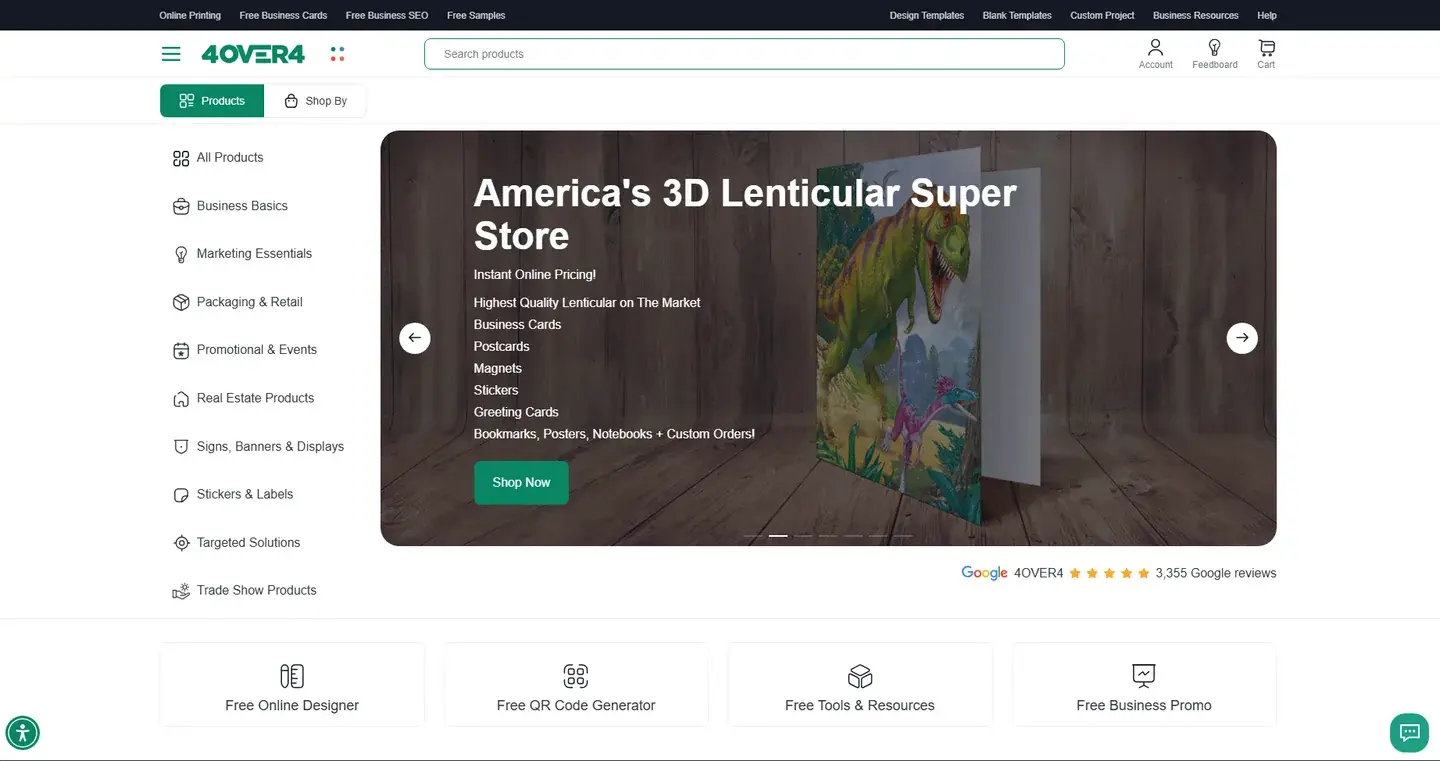
Within six months 4over4 reported 82% higher e-commerce revenue and a 48% higher conversion rate.
Keep Reading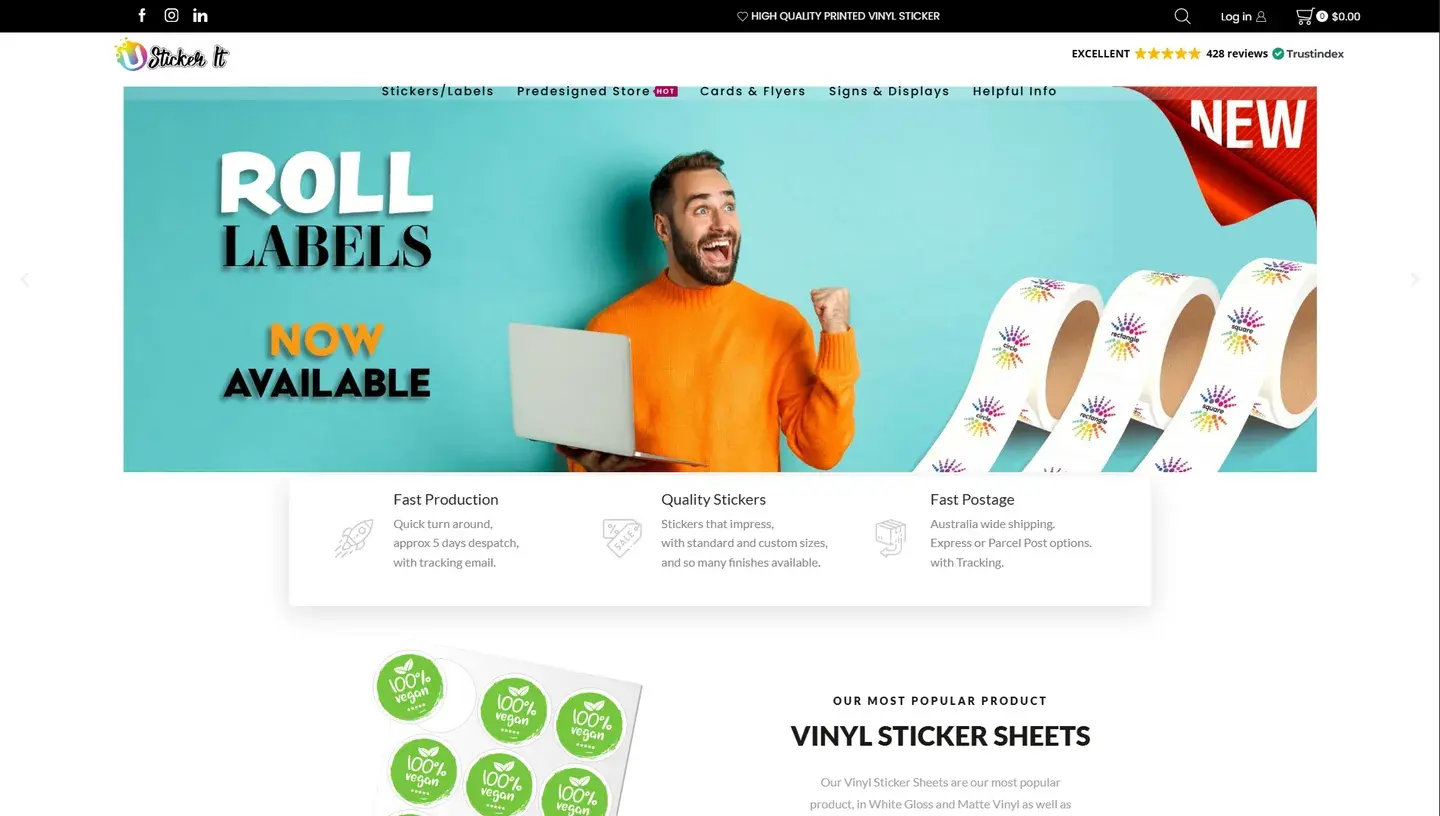
Design-tool users converted 40% more often, and online-order revenue rose 15%.
Keep Reading
PrintLeo, a printing and advertising company in India, needed real-time product customization and a faster, more stable website.
Keep ReadingRelated services and solutions
 AI-enabled ecommerce development for merchants who outgrew templates
Netbase provides custom ecommerce development for merchants that have outgrown templates, to turn traffic into orders with less manual work, using AI for search, recommendations and catalog work where it pays. We build on WooCommerce, Magento 2, Laravel and headless stacks; 4over4, whose store gained an AI recommendation engine, reported 82% more revenue within six months.
Learn More
 Web-to-print platform with AI design assistance, from online design to a print-ready order
A web-to-print platform is an online ordering, design and prepress workflow that helps print businesses sell custom products: customers configure, design and approve their order online, AI can suggest layouts and catch artwork problems, and production receives a print-ready file. Netbase has delivered 50+ custom web-to-print platforms across apparel, packaging, signage, promotional merchandise and corporate B2B portals.
Learn More
Work with Netbase remotely
Every Netbase engagement is delivered remotely, so clients in any country and any industry can work with us; Netbase has worked with clients in 80 countries. Contracts and invoices are issued by Netbase JSC, and payment is made by bank transfer to Netbase JSC's company account or PayPal Business. Talk to the CEO, Huy Nguyen (David), on WhatsApp or by email.
Discuss a project
Netbase JSC helps organizations design, build, modernize, and operate digital products and AI-enabled business systems.project@netbasejsc.com
+84 937 869 689
91 Nguyen Chi Thanh, Dong Da, Hanoi, Vietnam
Get in touch
Tell us what you want to build, modernize, or operate.