

Intelligent document processing with AI: from orders, invoices and forms to validated data
Intelligent document processing is AI-driven intake that reads orders, invoices and forms, extracts the fields your systems need, validates them against business rules and routes each record to the right queue, with people reviewing anything uncertain. Netbase offers it as a growth capability built on its computer vision and automation work, including a document AI platform for an unnamed client.
Review this solution for your workflow View relevant workReviewed by David (CEO) · Updated

What document processing covers, and where it stops
Intelligent document processing, or IDP, is an operations solution that helps finance teams, order desks and back-office managers stop re-typing documents into systems. It combines optical character recognition, which turns scans and photos into text, with AI models that understand layout and meaning, and with rules that check the result before anything is saved.
It stops at the decision. IDP prepares a clean, checked record and sends it to the system that owns it: an order to the order system, an invoice to accounting, a form to the case queue. Approvals, payments and customer replies stay with your people and systems. It is also not an archive; documents remain in the storage you already use.
This is a growth capability. Netbase has delivered a document AI platform for a client that is not named, kept as an anonymised portfolio record, and 4over4's recommendation engine; the design below is how we build one, not a record of that client's results. It belongs to the digital products family.
Where manual document handling costs time
-
- Current state
- Staff open every email attachment and type fields into the system
- Target state
- Documents arrive in one intake and fields are extracted automatically
-
- Current state
- Errors are found when an order ships wrong or an invoice is disputed
- Target state
- Rules check totals, codes and references before a record is saved
-
- Current state
- Every document gets the same manual attention
- Target state
- Only low-confidence fields go to a person, with the source highlighted
-
- Current state
- Supplier and customer formats change without warning
- Target state
- New layouts are learned from reviewed examples
-
- Current state
- No view of backlog or error rates
- Target state
- A dashboard shows volume, exceptions and review time per document type
How a document moves through intake
The workflow, step by step:
-
Receive
Documents arrive by email, upload, scanner, portal or API into one intake queue.
-
Classify
The system recognizes the document type: purchase order, invoice, delivery note, application form or artwork brief.
-
Extract
Text recognition and layout models pull out the fields for that type, each with a confidence score.
-
Validate
Rules check the result against your data: does the customer exist, do line totals add up, is the product code valid, is this a duplicate?
-
Review
Fields below the confidence threshold, or records that fail a rule, go to a reviewer who sees the document and the extracted value side by side.
-
Route
Approved records are written to the owning system through its API, and the original file is linked to the record.
-
Learn
Reviewer corrections feed the test set and, after evaluation, the next model or rule update.
-
Report
Volumes, straight-through rate, exceptions and review time are tracked per document type.
Capability modules
Email, uploads, scans, API calls → Collects and de-duplicates files → One intake queue
Incoming documents → Identifies the document type → Typed documents
Typed documents → Reads fields and tables with confidence → Draft records
Draft records and master data → Checks totals, codes and duplicates → Clean records or exceptions
Exceptions and low-confidence fields → Shows source and value for correction → Approved records
Approved records → Posts to ERP, order or case systems → Records linked to their documents
Labelled sample documents → Scores extraction per field and type → Release decision per change
Volumes and processing calls → Tracks throughput and spend → Dashboards and budget alerts
Every extraction, edit and posting → Records who changed what → Traceable history

The computer vision and model work behind these modules is our computer vision and document AI service.
AI in this solution
Where AI already runs in delivered work, and where it is offered as a growth capability.
-
In delivered work
Document AI platform
Classification, reading and extraction of business documents, delivered for a client that is not named.
-
Available capability
Computer vision, NLP and generative AI for document extraction
Classification, field extraction and validation of business documents; not yet tied to a published document-processing case.
Governance, integrations, data and deployment
-
Human-in-the-loop points
Confidence thresholds are set per field: a price or bank detail needs a higher score than a reference note. Anything below the threshold, and every record that fails a rule, is reviewed by a person before it is saved.
-
Evaluation
A labelled sample of your real documents is used to measure accuracy per field and per document type before launch and before each change. Risk handling follows the NIST AI Risk Management Framework and its Generative AI Profile.
-
Access control and audit log
Reviewers see only the document types assigned to their role. Every extraction, correction and posting is logged with user and time.
-
Data boundary
Documents stay in your storage; the pipeline processes copies and keeps them only as long as review needs them. Where a generative model reads a document, text inside the file is treated as data, never as instructions, because the OWASP Top 10 for LLM Applications ranks prompt injection and improper output handling among the main risks.
-
Cost limits
Simple documents take the cheapest path, such as rules and text recognition; heavier models run only where needed, with a monthly budget alert. We work with models from OpenAI, Anthropic (Claude), Google (Gemini) and Meta (Llama), among other commercial and open-weight models, chosen per document type.
-
Integrations
Typical targets are ERP and accounting, order management, CRM, document storage and email. See the data and AI stack for how we choose tools.
-
Security
Netbase security practices are built in from design: secure code review, TLS in transit and AES at rest, role-based access with MFA, vulnerability scanning, penetration testing and disaster recovery, with NDAs, DPAs and SLAs on request.
-
Deployment
The pipeline runs in your cloud account or a dedicated environment agreed in architecture.
Implementation phases, roles and support
-
Document audit
Collect a sample of each document type, count volumes and measure today's handling time and error rate.
-
Design
Define fields, rules, thresholds, targets and the review workflow.
-
Pilot
Automate one or two high-volume types and measure them against the labelled sample.
-
Roll out
Add document types and sources in the order of value.
-
Operate
Review exceptions, update rules and models, and re-run the tests before each release.
A typical team combines a business analyst, a solution architect, AI and backend engineers, QA and a project manager. The pilot is deliberately lean, one or two document types measured before anything else is built, and each Agile sprint ends in a weekly demo on your own documents. The team works remote-first from Hanoi in English, and extraction is exposed as an API, so email intake, portals and mobile capture apps call the same service. Timeline depends on document types, scan quality and target systems. Most Netbase projects are delivered on fixed-price contracts, with scope and price agreed after the document audit; milestone-based, monthly team retainer and KPI-linked terms are also offered.
Configuration, customization, IP and lock-in
-
Configured
Document types, fields, thresholds, validation rules, reviewer roles and routing.
-
Customized
Models for unusual layouts, connectors to your systems and industry-specific checks.
-
Ownership
You own the IP Netbase creates for your custom development, including labelled data and rules. Model providers sit behind an interface, so they can be changed.
Industry variants and use cases
Printing and packaging
Purchase orders, artwork briefs and job tickets turned into production-ready orders. Netbase has delivered 50+ custom web-to-print platforms, where order files and artwork are the daily documents; see printing and packaging.
Printing and packagingDistribution and B2B commerce
Customer purchase orders read into the order system with price and stock checks.
Finance teams
Supplier invoices matched to orders and receipts before approval.
Service operations
Application and claim forms routed to the right case queue.
Related work: a document AI platform and 4over4
Delivered: document AI platform (anonymised client). Netbase built classification, extraction and validation steps as AI consultant, engineer and integrator. The record publishes no client name, document types, figures or results.
For 4over4's online printing store, Netbase delivered a recommendation engine as part of a wider e-commerce programme. The store reported revenue up 82% within six months, production time down 40% and fulfilment time down 50%. These figures belong to the whole 4over4 engagement, not to a document-processing system. Read the 4over4 case study and see more in our work.
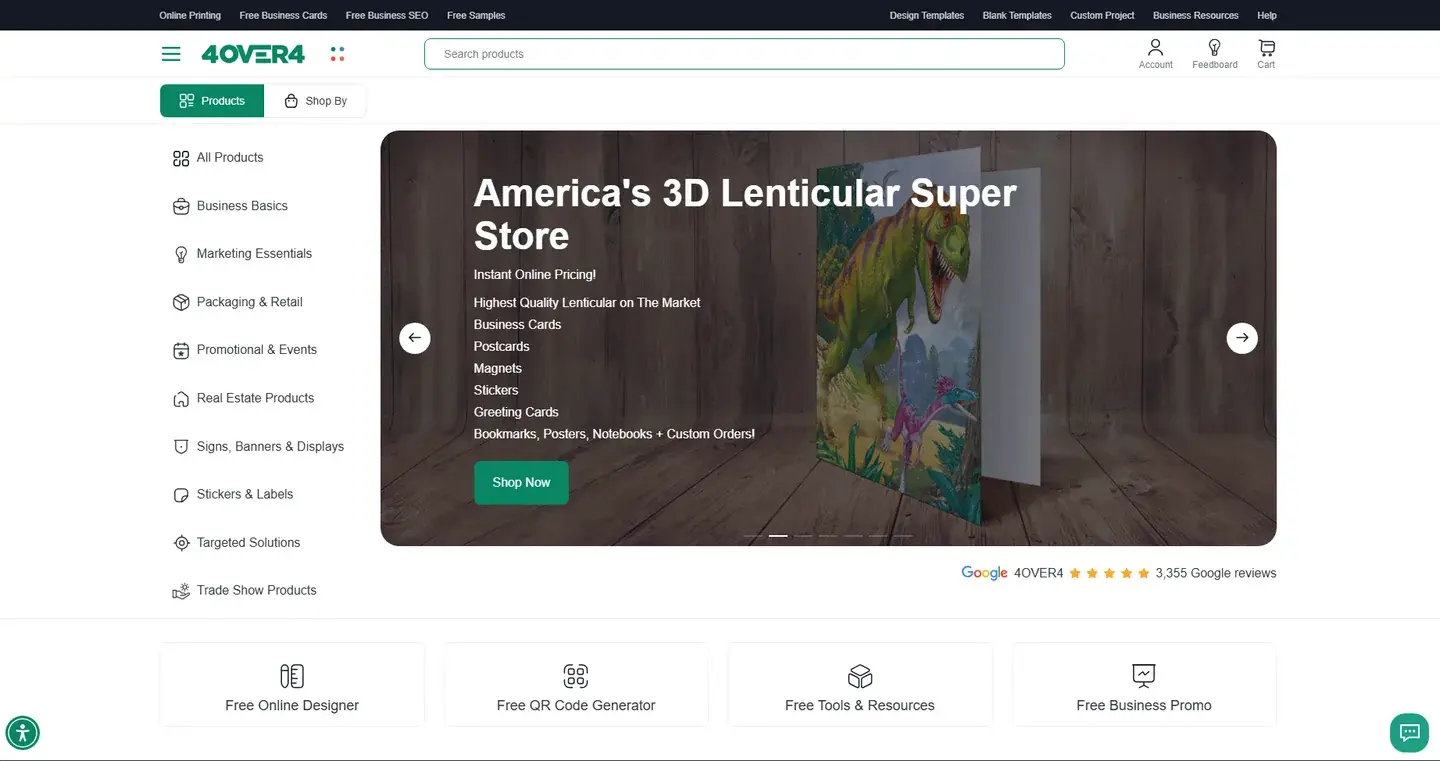
Within six months 4over4 reported 82% higher e-commerce revenue and a 48% higher conversion rate.
Keep Reading
An organization that Netbase does not name, filed under professional services, needed its documents read and processed by an AI system.
Keep ReadingFrequently asked questions
No. It removes typing and first checks; people still review exceptions and make decisions.
We do not quote a figure in advance. Accuracy is measured on your own labelled documents in the pilot, and the thresholds are set from that result.
Partly. The audit tests your worst samples first, and those documents stay in the review path if extraction is unreliable.
Not by default. Provider settings that stop training on your data and limit retention are agreed in architecture, and reviewer corrections improve only your own rules and models.
Yes. Every Netbase engagement, including Intelligent document processing with AI: from orders, invoices and forms to validated data work, is delivered remotely from our head office in Hanoi, and clients in any country can engage us. Netbase has worked with clients in 80 countries. Onsite work is available on request.
Yes. Clients in any industry can engage Netbase for Intelligent document processing with AI: from orders, invoices and forms to validated data work, and it is delivered remotely. Netbase has worked with clients in 80 countries. Tell us your industry and we will say plainly whether we have delivered similar work.
You pay the company, not an individual. Contracts and invoices for Intelligent document processing with AI: from orders, invoices and forms to validated data work are issued by Netbase JSC, and payment is made by bank transfer to Netbase JSC's company account or by PayPal Business.
Talk to the CEO, Huy Nguyen (David). Message him on WhatsApp or by email with what you need for Intelligent document processing with AI: from orders, invoices and forms to validated data work; every other channel is on the contact page. WhatsApp +84 937 869 689 · sales@netbasejsc.com
Services behind this solution
 Computer vision AI for images and artwork
Netbase applies computer vision to images and artwork: checking customer uploads before print, tagging and sorting product images, and converting raster images into vector files. Document workflows such as invoices and forms belong to our intelligent document processing solution. Computer vision is a capability we are growing.
Learn More
Related solutions and next step
Explore the other Netbase solutions or view relevant work. Send us a sample of each document type you handle and a rough monthly volume, and we will review this solution for your workflow.
Work with Netbase remotely
Every Netbase engagement, including Intelligent document processing with AI: from orders, invoices and forms to validated data work, is delivered remotely, so clients in any country and any industry can work with us. Netbase has worked with clients in 80 countries. Contracts and invoices are issued by Netbase JSC, and payments go to the company: bank transfer to Netbase JSC's company account or PayPal Business. Your first contact is the CEO, Huy Nguyen (David), by WhatsApp or email.
Discuss a project
Netbase JSC helps organizations design, build, modernize, and operate digital products and AI-enabled business systems.project@netbasejsc.com
+84 937 869 689
91 Nguyen Chi Thanh, Dong Da, Hanoi, Vietnam
Get in touch
Tell us what you want to build, modernize, or operate.