

Web-to-print migration: moving from a legacy print platform without losing orders
A web-to-print migration succeeds when the print-specific assets move intact: products with their option and price matrices, editor templates, customers' saved designs and artwork, reorder history, company portals and the jobs already in production. Inventory them first, convert and test them in rehearsals, and cut over with the old platform finishing its open jobs.
Book a solution review See the related solutionBy Netbase Web-to-Print and Print Commerce Desk · Reviewed by David (CEO) · Updated · 10 min read

This guide is for owners and operations leads of print businesses whose ordering platform has aged: an unsupported version, a designer that no longer runs well, or pricing nobody dares to touch. It covers what is different about moving a print platform. The general e-commerce replatforming risks, such as data mapping, payments and search rankings, are in our custom e-commerce platform guide; choosing the new platform is covered by the web-to-print platform guide.
In this guide
- Why a print platform is harder to move than a store
- Inventory before you choose a route
- Choosing the migration route
- Templates, saved designs and artwork
- Jobs in production and the production handover
- Rehearse, cut over and keep a way back
- AI in a web-to-print migration
- What delivery record exists, and what does not
- Alternatives to migrating
- Limits of this guide
- Frequently asked questions
- Next step
Why a print platform is harder to move than a store
A general store moves products, customers, orders and URLs. A print platform adds assets that hold years of work and that customers expect to find again.
-
Products, options and price matrices
- Why it is hard to move
- Quantity breaks, sizes, stocks, finishes and turnaround rules, often built up over years
- Test before cutover
- The same order priced on both platforms gives the same total
-
Editor templates
- Why it is hard to move
- Each online designer stores layouts, fonts and locked zones in its own format
- Test before cutover
- Every live template opens, edits and exports a print-ready file
-
Saved designs and uploaded artwork
- Why it is hard to move
- Customers' work, often referenced by old order numbers
- Test before cutover
- A returning customer finds and reorders a past design
-
Reorder and proof history
- Why it is hard to move
- Approved proofs and job specifications behind repeat orders
- Test before cutover
- A reorder reproduces the approved specification
-
Company portals and accounts
- Why it is hard to move
- Per-company catalogues, prices, roles and approval rules
- Test before cutover
- A portal user sees only the company's catalogue and prices
-
Production integrations
- Why it is hard to move
- Print MIS, job tickets, preflight and imposition links
- Test before cutover
- A test order arrives in production with a correct job ticket
The last row matters most on launch day. If orders reach production without the right specification, the migration has failed, however good the new storefront looks.
Inventory before you choose a route
Start with a full inventory of what the old platform does, including the rules nobody documented. Vendors that run migrations give similar advice: Propago, for example, recommends auditing the current workflow, consolidating SKUs and attributes and removing duplicates before anything moves. Treat that as a vendor view and build your own list:
- Products and prices. Every product, option, price matrix and special rule, with the customers or companies it applies to.
- Templates and fonts. Each template's owner, its fonts and whether they are licensed for the new platform.
- Customer assets. Saved designs, uploaded files, address books and stored preferences, with their size and age.
- Open work. Quotes, unpaid orders, orders awaiting proof approval and jobs in production.
- Integrations. MIS, accounting, shipping and payment links, and any file exchange with suppliers.
- URLs. Product and category pages that carry search traffic or links from customers' own systems.
The inventory also shows what to retire. Products nobody ordered in two years and templates no customer used are cheaper to rebuild on request than to convert.
Choosing the migration route
| Route | Strength | Risk | Choose it when |
|---|---|---|---|
| Big-bang cutover: everything moves in one weekend | One switch, no parallel operation | Everything must be ready at once | Small catalogue, few integrations, few company portals |
| Phased: public store first, then company portals or product families | Each step is smaller and teaches the next | Two platforms run side by side for a while | Several channels or many company portals |
| Parallel run with drain-down: new orders go to the new platform, the old one finishes open jobs | Jobs in production are never moved mid-flight | Staff work in two admin screens for a short period | High daily order volume or long production times |
| Keep one part: replace only the designer or only the store | Smallest change for customers | Two systems to integrate | Only one part is the problem |
Most print businesses combine two routes: phased by channel, with a drain-down for jobs already in production. The last route is often overlooked. Printcart, a Netbase Business Division, runs on a merchant's own store or as Shopify, Wix and WooCommerce apps, which is one way to modernise the design and production side without replacing a store that still works. Our online design editor build-vs-buy guide compares the designer options.
Templates, saved designs and artwork
Designs are the asset customers notice first. Three decisions shape the work:
- Convert or rebuild templates. Where the new designer can import the old format, convert and then check every template. Where it cannot, rebuild the most-used templates first and the rest on request.
- Keep saved designs usable. At minimum, migrate each saved design as a print-ready file and a preview, linked to the customer and the original order, so a reorder can reuse it. Editable conversion is a bonus, not a launch requirement.
- Carry the proof history. Approved proofs and job specifications behind repeat orders must travel with the customer, especially for company accounts.
Keep the original files in an archive the new platform can reach. A customer who cannot find last year's business card will phone, and support needs an answer in minutes.
Jobs in production and the production handover
The production side decides whether launch week is calm. Map how the old platform hands jobs to production today, whether through a print MIS, job tickets, hot folders or email, and rebuild that handover first. CIP4, the print industry's standards association, maintains the JDF and XJDF job ticket standards that many production systems use for this exchange. Then plan the drain-down: from the cutover moment new orders go to the new platform, while the old one finishes everything already approved or in production, with a date after which it only serves look-ups. Our systems and API integration service covers the MIS and accounting links; the integrations guide covers the method choice and failure handling for MIS, ERP, CRM, shipping and payment once the new platform is live.
Rehearse, cut over and keep a way back
-
Rehearse the data move
Run a full trial migration, then compare counts and samples: products, prices, templates, customers, saved designs and company portals.
-
Test print outcomes, not screens
Price the same orders on both platforms, export print-ready files from converted templates and send test jobs to production.
-
Map URLs
Redirect every old product, category and portal URL with a permanent redirect. Google's site-move guidance recommends a full URL mapping, server-side permanent redirects kept for at least a year and a new sitemap.
-
Tell company clients early
Portal users need their new sign-in, their catalogue and a date. Send it before, not after, the switch.
-
Cut over with a freeze
Stop changes on the old platform, migrate the final changes, switch, and verify orders, payments, files and production in the first hours.
-
Keep a rollback point
Until the first production day passes, the old platform must be able to take orders again.
The go-live gates in our implementation checklist apply to a migration as well, and the company-portal rules in the B2B print portal guide tell you what each portal must still do after the move.
AI in a web-to-print migration
AI can shorten the dull parts of a migration while people keep the decisions. Useful places are matching old products and options to the new catalogue, flagging duplicate or unused templates, and checking converted artwork against the originals so reviewers look only at differences. Every mapping and every template goes live after a person approves it. Netbase works with the major commercial and open-source AI models, chosen per project. Each item below states how mature it is at Netbase.
-
In delivered work
Product recommendation engine
Built for 4over4's online printing store from browsing and purchase history; it is not a migration tool.
-
Available capability
AI-assisted catalogue mapping and artwork comparison
Machine learning and computer vision features; they are not yet tied to a published migration case.
What delivery record exists, and what does not
Netbase has delivered 50+ custom web-to-print platforms across apparel, packaging, signage, promotional merchandise and corporate B2B portals. The published records closest to a migration are these:
- Netztech. A Swiss supplier of labelling, fastening and shrink technology moved from Magento 1 to Magento 2 Commerce in 35 working days, including an extension migration of 11 modules (Netztech record). It is a store migration, not a print platform.
- ACT Printing. An existing print store was upgraded in place with a guided apparel ordering flow, built and tested on staging with client acceptance testing before release (ACT Printing record). It is an upgrade, not a platform move.
- Printcart. The Printcart platform shows the keep-the-store route: design and production tools added to a merchant's existing store.
What does not exist. No published Netbase record describes a move from one web-to-print platform to another, with converted templates or saved designs, and none publishes a migration duration or result for a print business. The practices above come from delivery practice and the cited sources, not from a measured outcome.
Alternatives to migrating
A migration is not always the answer. If the old platform is supported and only one part fails, extend it: replace the designer, add a pricing engine or connect the MIS. If the platform is unsupported, insecure or blocks every change, migrate. Four criteria decide it: whether the platform still receives security fixes, whether your pricing and products fit its model, what the missing integrations cost each month, and who must own the logic that makes your service different. In Netbase custom development the client owns the IP created for it, and most projects are delivered on fixed-price contracts after discovery. The commercial offer is our web-to-print platform solution, delivered through e-commerce development for printing and packaging businesses.
Limits of this guide
- Every legacy platform stores templates and prices differently; what can be converted is known only after a trial migration.
- Vendor articles and case studies are cited as vendor views; their figures are not used.
- Font and template licences may not transfer to a new platform; check them before you plan the conversion.
Plan the next step with a Netbase consultant
Frequently asked questions
Usually as print-ready files with previews for reordering. Whether they stay editable depends on the new designer's ability to import the old format; test a sample early.
It depends on the number of products, templates, company portals and integrations. Netbase estimates after an inventory and a trial migration.
Only if they are few and simple. Otherwise move the public store first and each company portal in turn, with its users told in advance.
They finish on the old platform. New orders go to the new one from the cutover moment, and the old platform stays available for look-ups.
Next step
Share which platform you run today, how many products, templates and company portals it carries and how orders reach production, and we will book a solution review to plan the move. You can also read more Netbase insights.
Work behind this guide
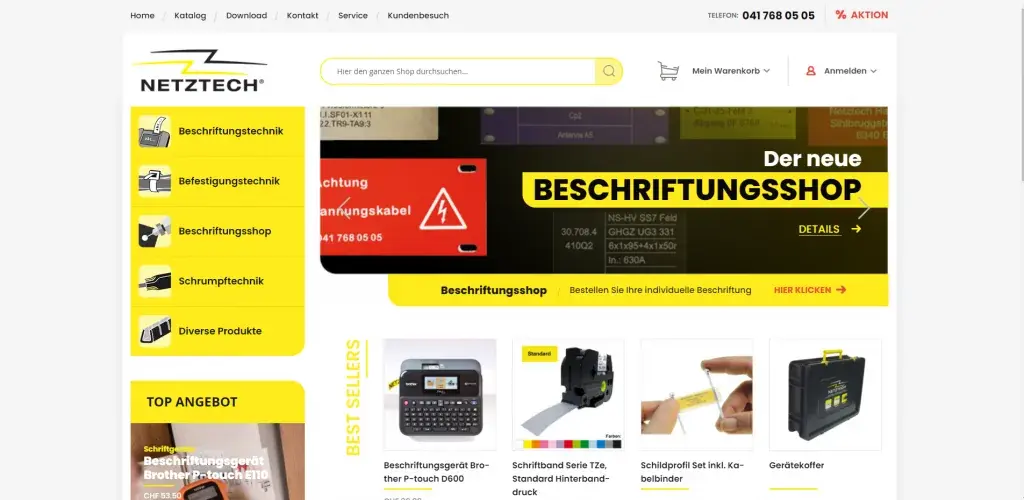
Netbase JSC delivered the migration remotely: all store data moved, 11 extensions rebuilt and a new design applied, finished in 35 working days.
Keep Reading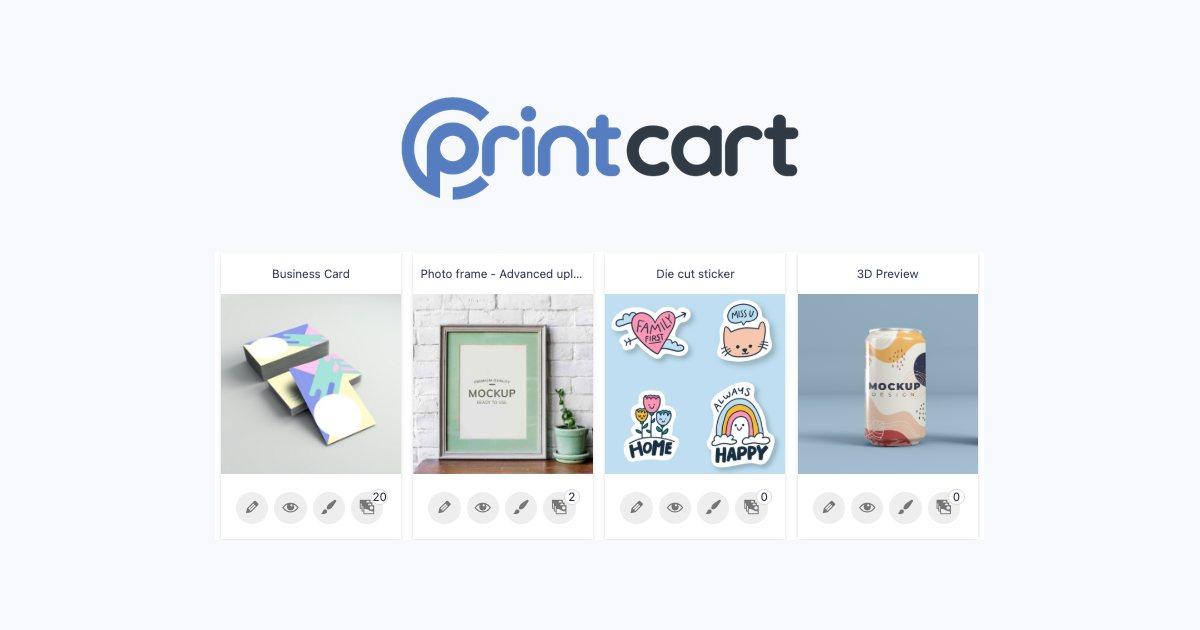
Netbase designs, engineers, hosts and operates the multi-tenant platform remotely, with apps for Shopify, Wix and WooCommerce and an API; no performance metric is claimed.
Keep Reading
ACT Printing, a custom apparel and print shop, needed customers to order printed hoodies, tees and sweatshirts in several colours, sizes and print locations without back-and-forth.
Keep ReadingRelated services and solutions
 AI-enabled ecommerce development for merchants who outgrew templates
Netbase provides custom ecommerce development for merchants that have outgrown templates, to turn traffic into orders with less manual work, using AI for search, recommendations and catalog work where it pays. We build on WooCommerce, Magento 2, Laravel and headless stacks; 4over4, whose store gained an AI recommendation engine, reported 82% more revenue within six months.
Learn More
 API integration services that keep your systems in agreement and ready for AI
Netbase provides API integration services for commerce and operations teams to connect e-commerce, ERP, CRM, shipping and payment systems so data moves once and stays correct, and AI services can act on it. We build integrations on APIs and webhooks with retries, monitoring and reconciliation, so a failed call becomes a logged, recoverable event instead of a missing order.
Learn More
 Web-to-print platform with AI design assistance, from online design to a print-ready order
A web-to-print platform is an online ordering, design and prepress workflow that helps print businesses sell custom products: customers configure, design and approve their order online, AI can suggest layouts and catch artwork problems, and production receives a print-ready file. Netbase has delivered 50+ custom web-to-print platforms across apparel, packaging, signage, promotional merchandise and corporate B2B portals.
Learn More
Work with Netbase remotely
Every Netbase engagement is delivered remotely, so clients in any country and any industry can work with us; Netbase has worked with clients in 80 countries. Contracts and invoices are issued by Netbase JSC, and payment is made by bank transfer to Netbase JSC's company account or PayPal Business. Talk to the CEO, Huy Nguyen (David), on WhatsApp or by email.
Discuss a project
Netbase JSC helps organizations design, build, modernize, and operate digital products and AI-enabled business systems.project@netbasejsc.com
+84 937 869 689
91 Nguyen Chi Thanh, Dong Da, Hanoi, Vietnam
Get in touch
Tell us what you want to build, modernize, or operate.