

CDN and edge caching for global web apps: cache keys, invalidation and origin protection
A CDN makes a global web app fast and keeps the origin safe only when three things are designed together: a cache key that holds exactly what changes the response, caching rules set per route by the origin, and a planned way out for every cached object. Netbase designs these per route class before tuning any TTL.
Book a solution review See the related solutionBy Netbase Commerce and Platform Engineering Desk · Reviewed by David (CEO) · Updated · 10 min read

This guide is for tech leads whose origin stays busy behind a CDN, or whose releases leave stale pages at the edge. It belongs to Netbase's cloud platform engineering work; wiring purges and cache headers into the release pipeline is part of DevOps and platform engineering.
In this guide
- Why does a CDN still leave the origin busy?
- Which caching rule fits each route of a web app?
- How do you design a cache key that is neither too wide nor too narrow?
- How should changes leave the cache?
- How do you protect the origin from a cold cache and a purge stampede?
- How do you set up CDN caching step by step?
- When should you not cache at the edge?
- Where AI fits
- What delivery record exists, and what does not
- Alternatives: which edge setup fits, and how do you choose?
- Limits of this guide
- Frequently asked questions
- Next step
Why does a CDN still leave the origin busy?
Most weak CDN setups fail for one of three reasons: the cache key varies on values that do not change the response, the origin forbids shared caching on routes that could be shared, or a purge empties the cache and every edge location asks the origin at once.
The cache key is the identifier of each stored object. AWS's CloudFront documentation describes it as the unique identifier that decides whether a request is a cache hit, and notes that including fewer values in the key raises the likelihood of a hit. Every header, cookie or query parameter added to the key splits one object into many.
Which caching rule fits each route of a web app?
Start from route classes, not file extensions. Each class gets one rule, enforced by the origin's headers.
-
Versioned static assets (hashed file names)
- Cache key
- Path only
- Edge TTL
- Long, marked immutable
- How it leaves the cache
- A new file name on each build; never purged
- Safety rule
- Build tool owns the names; no unversioned asset gets a long TTL
-
Public HTML (category, article, product pages)
- Cache key
- Path and normalised query parameters that change content
- Edge TTL
- Short, plus serve-stale while revalidating
- How it leaves the cache
- Tag purge on publish, or TTL expiry
- Safety rule
- Strip cookies and tracking parameters before the key; never cache a response that sets a cookie
-
Public API reads (catalogue, suggestions)
- Cache key
- Path and the parameters the API reads
- Edge TTL
- Seconds to minutes
- How it leaves the cache
- TTL expiry or tag purge
- Safety rule
- Write endpoints are never cached
-
Shareable variants (currency, region)
- Cache key
- Path plus one named, normalised header or cookie
- Edge TTL
- Short
- How it leaves the cache
- TTL expiry
- Safety rule
- Key on a small allow-list, never the whole cookie header
-
Authenticated responses (account, cart, checkout)
- Cache key
- Not cached at the edge
- Edge TTL
- None
- How it leaves the cache
- Not applicable
- Safety rule
- Origin sends
private, no-store; the CDN never overrides it
The headers carrying these rules are standard. RFC 9111, the HTTP caching specification, defines s-maxage for shared caches, private for responses meant for one user and no-store for responses that must not be stored at all. web.dev's HTTP cache guide recommends a one-year max-age with immutable for versioned URLs, and no-cache with an ETag for HTML.
How do you design a cache key that is neither too wide nor too narrow?
Include everything that changes the response, and nothing else. Too narrow, and one user can receive another's response. Too wide, and the hit ratio falls and the origin carries traffic the CDN should absorb.
Audit every cache behaviour's key:
- Query strings. Allow-list the parameters the page reads; drop tracking parameters and sort the rest.
- Cookies. Exclude them from public routes; where one cookie selects a variant, key on that cookie alone.
- Headers. Add a header only if the response varies on it; a
Varyon the full user agent fragments the cache, so normalise it to a few device classes. - Language. Prefer one URL per language over a key on
Accept-Language. - Host and scheme. Redirect alternate hosts and plain HTTP before the cache.
- Unkeyed inputs. Strip or normalise any header the origin reads but the key ignores; that gap is where poisoning starts.
The last point is a security rule as much as a performance rule. PortSwigger's web cache poisoning guide describes how attackers use unkeyed inputs to make a cache store a harmful response that is then served to other users.
How should changes leave the cache?
Pick the invalidation method per route class; purging is not the default answer.
| Criterion | Versioned file names | Tag or surrogate-key purge | TTL expiry with serve-stale |
|---|---|---|---|
| Fits | Build assets | Pages and product data changed by editors or jobs | Content where brief staleness is acceptable |
| Freshness | Immediate, because the URL itself changes | Seconds after the purge call | Bounded by the TTL |
| Origin load | None from invalidation | One refill per purged object | Background revalidation only |
| Watch for | Old HTML referencing removed files | Purge limits; purging before the origin holds new data | Old content until expiry |
Tags let one call clear every object a change touches. Cloudflare's cache-tag documentation describes a Cache-Tag response header set by the origin, a limit of about 1,000 unique tags per response header and purges of up to 100 tags at a time. Fastly's surrogate key guide describes the same idea with a Surrogate-Key header and a key purge that removes every object tagged with it.
How do you protect the origin from a cold cache and a purge stampede?
Climb this ladder until a full cache flush at peak traffic is survivable:
- Tiered caching or a shield. AWS describes CloudFront Origin Shield as an extra caching layer through which all regional caches reach the origin, consolidating simultaneous requests for the same object into as few as one origin request. AWS notes it may not fit dynamic or rarely requested content.
- Serve stale. RFC 5861 defines
stale-while-revalidate, which lets a cache return a stale response while it refreshes in the background, andstale-if-error, which returns a stale response instead of an error when the origin fails. - Short negative caching. Cache not-found and error responses for seconds, so a broken link does not become a stream of origin requests.
- Lock the origin to the CDN. Accept only CDN traffic, through an allow-list, a secret header or a private connection.
- Capacity for a cold cache. Size the origin for the moment after a full purge, not for the steady-state hit ratio.
How do you set up CDN caching step by step?
-
Classify routes
Every path pattern joins one route class, with an owner.
-
Fix the origin's headers first
Each class sends its
Cache-Controlfrom the application. -
Write cache behaviours as code
Keep CDN rules in version control; the Terraform state and modules guide shows a layout that keeps environments in step.
-
Audit every cache key
with the checklist above.
-
Wire invalidation into releases
Deploy new versioned assets first, then the HTML that references them; publish content, confirm the origin serves it, then purge its tags.
-
Add origin protection
from the ladder above.
-
Test private routes
Request account pages with unexpected suffixes and as two users; confirm nothing is stored.
-
Monitor
hit ratio per behaviour and origin requests; alert on sudden drops.
When should you not cache at the edge?
Do not cache authenticated pages, carts, checkouts or anything whose response depends on who is signed in, unless shared caching was designed and tested for that route. Web cache deception shows why: PortSwigger's guide describes attackers tricking a cache into storing a private page, and recommends marking dynamic responses no-store and private, keeping the CDN from overriding those headers and checking that cache and origin read URL paths the same way.
Skip a shield for mostly dynamic traffic. Skip edge caching of HTML when users sit near the origin and the real bottleneck is a slow query; the e-commerce performance budget guide helps find where page time actually goes.
Where AI fits
AI helps review caching configuration, not decide what is safe to cache. An assistant can read CDN rules and application headers together, list routes whose cache key includes cookies or tracking parameters, and flag authenticated paths without private, no-store. Netbase works with the major commercial and open-source AI tools and models, chosen per project.
Engineers verify each finding with real requests against staging, decide the route classes and own every change to a production cache rule.
- In delivered work
Product recommendation engine
Built for 4over4's online printing store from browsing and purchase history; a delivered AI feature, not a CDN project.
- Available capability
AI agents in operations
AI-assisted cache-key audits are a way Netbase approaches the work, not yet tied to a published case.
What delivery record exists, and what does not
Netbase works as offshore development partner on a multi-tenant cloud ERP for a US client, not named, delivered as SaaS to small and mid-sized businesses. The cloud providers Netbase uses are AWS, Google Cloud, DigitalOcean and Cloudflare; no partner tier or cloud certification is claimed.
Delivery follows a six-step lifecycle, from discovery and architecture planning to ongoing support, with weekly reviews and KPI dashboards. Most Netbase projects are delivered on fixed-price contracts.
No published Netbase record states a cache hit ratio, latency gain, CDN cost saving or purge time for any client, and none is claimed here. This guide explains a method, not a case study.
Alternatives: which edge setup fits, and how do you choose?
| Option | Fits when | Watch for |
|---|---|---|
| CDN for static assets only | One main region, dynamic pages, a small team | HTML still travels from the origin for every user |
| CDN for assets and public HTML with tag purges | Content and catalogue sites with users on several continents | Purge wiring in every publishing path |
| Edge compute rendering or assembling pages | Heavy personalisation with strict latency targets | More code at the edge to test, deploy and debug |
Choose by three criteria: how much of the traffic is identical across users, how quickly a change must be visible, and how much engineering the team can spend keeping edge rules and purge wiring correct. For network design behind the CDN, see the cloud networking guide; for the transfer costs a CDN changes, see cloud cost controls for SaaS.
Limits of this guide
- It does not compare CDN vendors or publish any price.
- Media streaming and real-time APIs need their own caching design.
Plan the next step with a Netbase consultant
Frequently asked questions
Only the values that change the response: the path, the query parameters the page reads and, where needed, one normalised header or cookie that selects a variant. Tracking parameters, full cookie headers and raw user agents fragment the cache and send more traffic to the origin.
Use versioned file names for build assets, because a new name makes the change visible at once without any purge. Use tag purges for pages and catalogue data that change outside a build, and plain TTL expiry where a short delay is acceptable.
Not by default. Authenticated responses should carry private and no-store headers, and the CDN must not override them; otherwise a cache can store one user's page and serve it to others. Only cache shared fragments that were designed and tested for it.
Next step
If you want your CDN rules, cache keys and purge wiring reviewed before the next traffic peak, book a solution review with Netbase.
Work behind this guide
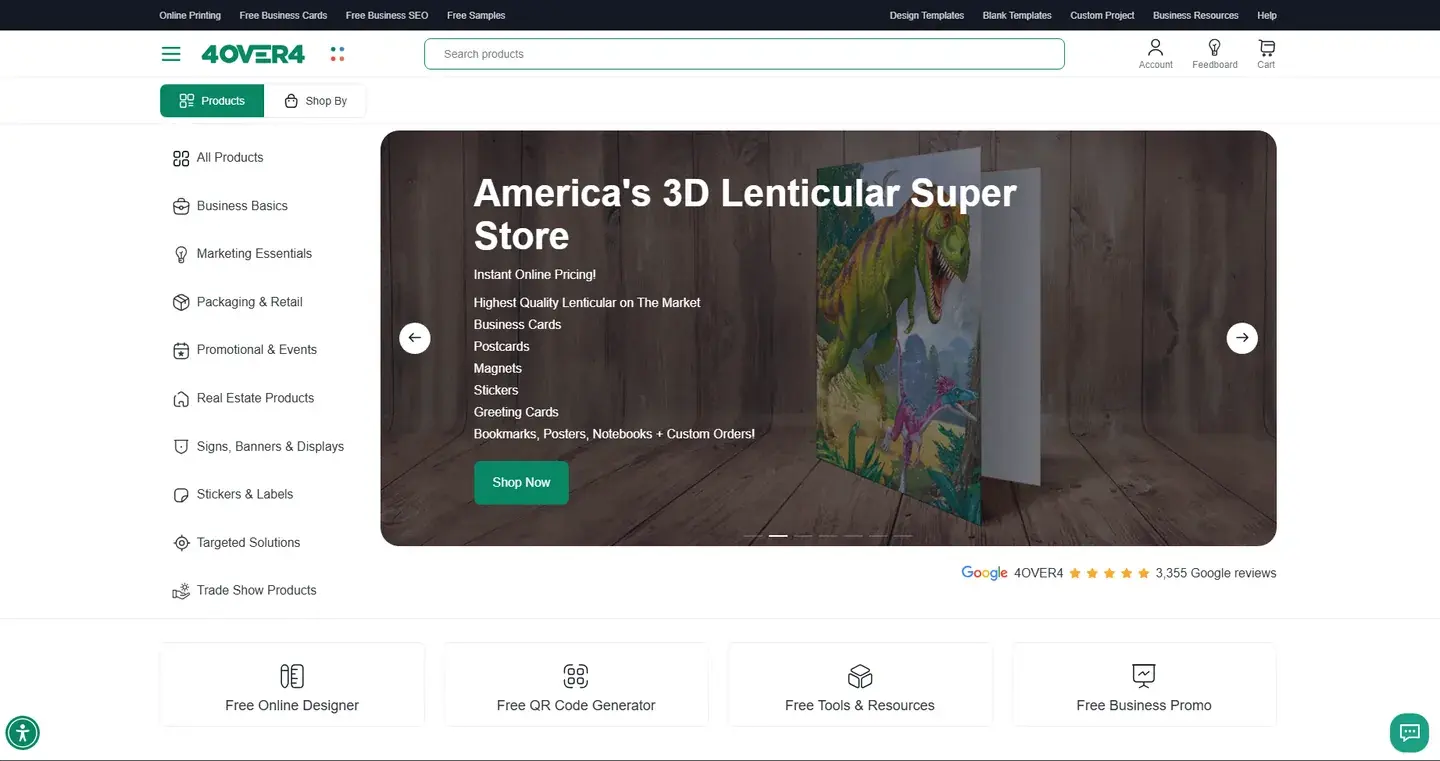
The same work also automated Adobe Illustrator (.ai) to SVG file conversion and added product recommendations for shoppers.
Keep Reading
Netbase works remotely as its offshore development partner; phase 1 brought CRM, messaging, HR, a knowledge base, work management and API integrations into one platform for agency customers.
Keep ReadingRelated services and solutions
 AI-ready cloud platform engineering for SaaS and commerce workloads
Netbase provides cloud platform engineering for SaaS and commerce teams that need a secure, repeatable home for their software and its AI features, on AWS, Google Cloud, DigitalOcean or Cloudflare. We design the architecture, write the environments as code, connect managed and AI services and hand over a platform your team can run, built the way we run ours.
Learn More
 AI-assisted DevOps and platform engineering for routine releases
Netbase provides DevOps and platform engineering for SaaS and commerce teams to make releases routine instead of risky. We set up CI/CD pipelines, repeatable environments and observability on AWS, Google Cloud, DigitalOcean or Cloudflare, with AI assistance for tests, reviews and incident triage, so every change ships the same way and problems surface before customers notice.
Learn More  SaaS product accelerator: launch an AI-ready SaaS on proven Netbase modules
A SaaS product accelerator is a set of reusable Netbase modules for accounts, billing, roles and integrations that helps founders and product teams launch subscription software faster, with room for in-product AI from the first release. Reusing these modules can shorten development time, and the approach is proven on Printcart, Netbase's own web-to-print SaaS.
Learn More Related insights

A DevOps maturity assessment is credible only when every level is backed by an artefact a reviewer can open. This Netbase scorecard rates fifteen practices across delivery, reliability and security on four levels, names the evidence each level needs, and caps the overall score at the weakest area so a fast pipeline cannot hide weak recovery or security.

Observability stack design with OpenTelemetry: what to instrument first and how to cap telemetry cost
Design an observability stack by instrumenting in order: request metrics first, then structured logs that carry trace IDs, then traces on the revenue path, then business events, with profiling last. Netbase routes every signal through OpenTelemetry and a Collector, and sets sampling, cardinality and retention rules before the first bill arrives.

Savings plans, reserved instances and committed use discounts: how much cloud usage to commit
Commit only the cloud usage you are sure of: cover the stable floor of the bill with commitment discounts, add more as the baseline proves itself, and leave the variable top on demand. Netbase sets the level by usage stability, matching resource-based reservations to locked workloads and spend-based savings plans to workloads that still change.
Work with Netbase remotely
Every Netbase engagement is delivered remotely, so clients in any country and any industry can work with us; Netbase has worked with clients in 80 countries. Contracts and invoices are issued by Netbase JSC, and payment is made by bank transfer to Netbase JSC's company account or PayPal Business. Talk to the CEO, Huy Nguyen (David), on WhatsApp or by email.
Discuss a project
Netbase JSC helps organizations design, build, modernize, and operate digital products and AI-enabled business systems.project@netbasejsc.com
+84 937 869 689
91 Nguyen Chi Thanh, Dong Da, Hanoi, Vietnam
Get in touch
Tell us what you want to build, modernize, or operate.