

Collecting human feedback to improve an AI assistant: ratings, corrections and review queues
Collecting human feedback to improve an AI assistant works when every rating, correction and expert review is stored as one structured record tied to the conversation and versions, triaged in a review queue, and only reviewed, cleaned feedback changes the assistant. This Netbase guide gives the record schema, the triage rules and safe feed-back rules.
Book a solution review See the AI knowledge assistant solutionBy Netbase AI and Automation Engineering Desk · Reviewed by David (CEO) · Updated · 11 min read

It is written for product owners and engineering leads who already run an assistant in production, such as a support copilot, a document assistant or an internal knowledge bot, and want feedback the team can act on. It sits under generative AI development, and the monitoring it feeds belongs to MLOps and responsible AI operations.
In this guide
- Why do thumbs-up buttons rarely improve an assistant?
- What should one feedback record contain?
- How should a review queue decide what humans look at?
- Which feedback may change which part of the assistant?
- How do you feed feedback back safely?
- Where AI fits
- What delivery record exists, and what does not
- Which alternative fits your assistant?
- Limits of this guide
- Frequently asked questions
- Next step
Why do thumbs-up buttons rarely improve an assistant?
A thumbs-down button tells a team that a user was unhappy, not why, with which answer, or what the right answer was. Without the conversation, the retrieved documents and the prompt and model versions attached, nobody can reproduce the problem, so the signal ends up in a dashboard instead of a fix.
Three kinds of feedback do different jobs. Users give quick ratings and, sometimes, a correction. Domain experts give careful reviews against a rubric. Engineers turn both into changes. A feedback programme fails when these are mixed in one table with no owner, or when raw user text flows straight into a training set.
Industry design guidance points the same way. A comparison of Microsoft, Google and Apple human-AI interaction guidelines lists advice such as encouraging granular feedback, supporting efficient correction and keeping explicit feedback voluntary. The interface side of that advice, the buttons and correction controls, is covered in the guide to interface patterns for AI features; this guide covers what happens after the click.
What should one feedback record contain?
Store each piece of feedback as one record with the same fields, whichever tool collects it. The schema below works in a database table, an observability tool or a spreadsheet for a first pilot.
-
Link to the answer
- Fields
- Trace or conversation ID, answer ID, timestamp, channel
- Why it matters
- Lets an engineer replay exactly what the user saw
-
Versions
- Fields
- Model, prompt version, retrieval index version, tool set
- Why it matters
- Separates a model problem from a stale document or a prompt change
-
Signal
- Fields
- Type (rating, reason code, correction, expert review), value, reason code from a short fixed list
- Why it matters
- Makes feedback countable and routable
-
Correction
- Fields
- The corrected answer or the right source, and whether the user or a reviewer wrote it
- Why it matters
- Turns a complaint into a candidate test case
-
Reviewer
- Fields
- Role (end user, domain expert, engineer), not a personal name in analytics views
- Why it matters
- Weighs expert reviews above anonymous clicks
-
Data handling
- Fields
- Consent flag, personal data detected, retention date, allowed uses
- Why it matters
- Decides what may ever leave the feedback store
Keep the reason codes short and specific to the assistant: "wrong fact", "outdated source", "missing source", "refused when it should answer", "answered when it should refuse", "tone" and "other". A list of five to eight codes is easier for users and reviewers to apply consistently than free text alone, while a free-text note stays optional.
How should a review queue decide what humans look at?
A review queue is a work list of answers that a human must judge, with an owner, a status and a rubric. Tools now ship this as a feature: MLflow describes review queues that take traces assigned by hand or by rules, and LangSmith annotation queues let reviewers score items against fixed feedback keys and save corrected outputs as dataset examples.
Feed the queue by rules, not by whoever complains loudest:
- Every negative rating with a reason code or correction goes in, because it is the cheapest evidence of a real failure.
- Low-confidence or ungrounded answers flagged by an automated check go in, even without a user complaint.
- A small random sample of ordinary answers goes in each week, so the team sees silent failures that users never rate.
- Answers on high-stakes topics, such as contracts, health, money or account changes, go in whatever their rating.
Reviewers then mark each item with the rubric, confirm or reject the user's correction and assign a cause: prompt, retrieval, source content, model or product scope. The cause decides who fixes it. Ask two reviewers to judge a share of the same items, and treat strong disagreement as a sign that the rubric, not the reviewers, needs work.
Which feedback may change which part of the assistant?
Not every signal is fit for every use. The matrix below is the core safety rule: the more permanent the change, the more review the feedback needs first.
| Change | Feedback that may drive it | Check before the change |
|---|---|---|
| Prompt or instruction fix | Reviewed corrections and reason-code patterns | The fix passes the regression set and does not break other answers |
| Retrieval or source content fix | "Outdated source" and "missing source" codes confirmed by a reviewer | The content owner approves the edited document |
| Evaluation set (new test cases) | Confirmed corrections and expert reviews, with personal data removed | A second reviewer agrees on the expected answer |
| Fine-tuning or preference data | Expert-reviewed examples only, never raw user ratings | Poisoning and leakage checks, sign-off by two people, held-out test |
Most improvements come from the first three rows. Research on training language models with human feedback used rankings from trained labellers, not anonymous clicks, to train the model; product teams should be at least as strict. The guide to preparing fine-tuning data covers the curation and leakage checks for the last row.
How do you feed feedback back safely?
-
Collect the minimum
Store the trace link and the fields above, not whole chat histories by default. Data minimisation and storage limits under the GDPR apply to feedback text that names people.
-
Strip personal data before any reuse
Run detection on corrections and notes; anything with personal data stays in the feedback store and never enters a test set or training data.
-
Triage in the review queue
Only items a reviewer has confirmed move on; unconfirmed user corrections stay as signals.
-
Check for poisoning
Look for bursts of similar feedback from one account, corrections that insert links or instructions, and ratings that reward unsafe answers. OWASP lists data and model poisoning, including through fine-tuning data, as a risk for LLM applications.
-
Change one layer at a time
Fix the prompt or the source document first; add a test case for each confirmed failure; consider training data last.
-
Run the regression set before release
Every change runs against the evaluation cases, including the new ones, as described in the AI agent evaluation harness guide.
-
Close the loop and record it
Mark the feedback items as fixed with the release that fixed them, and delete stored feedback on its retention date.
Where AI fits
AI can sort feedback, not decide it. A model can suggest a reason code for free-text notes, group similar complaints, flag answers that do not match their sources and draft a weekly summary for the queue owner. Reviewers still confirm every correction, judge answers against the rubric and decide which layer changes; engineers approve every prompt, retrieval or training change. Netbase works with commercial and open-weight models, chosen per project, so the schema and rules stay the same whichever model runs the assistant.
- In delivered work
RAG knowledge assistant
A retrieval-augmented assistant that answers from company documents, the assistant type where "outdated source" feedback points to a content fix; the client is not named.
- In delivered work
WhatsApp AI chatbot with CRM integration
A chatbot connected to WhatsApp Business and a CRM for lead capture, the kind of channel where user ratings arrive inside a conversation; the client is not named.
- In delivered work
4over4 recommendation engine
Product suggestions from browsing history and previous purchases, the named AI feature Netbase delivered with a client.
- Available capability
Assistant feedback programme
The record schema, review queue and feed-back rules as described on this page; not yet tied to a published case.
What delivery record exists, and what does not
- What exists. Netbase has delivered retrieval-augmented knowledge assistants, document AI and MLOps pipelines for clients that are not named, a WhatsApp AI chatbot connected to a client's CRM, and the named 4over4 recommendation engine. Most Netbase projects are delivered on fixed-price contracts.
- What does not. No published Netbase case describes a feedback programme, a review queue or its results, and no volume, time, cost or quality figure from client work is offered here. The schema, matrix and rules are method guidance; the external facts come from the cited sources.
Which alternative fits your assistant?
Four options cover most teams; they differ in effort and in what they can catch.
- Ratings and reason codes only. Choose it for an internal assistant with a small user group. It shows where problems cluster but rarely gives the right answer.
- Review queue with domain reviewers. Choose it when answers affect customers, money or compliance and someone can spend regular time reviewing. It is the option this guide describes.
- Automated graders calibrated on reviewed items. Choose it when volume outgrows human review; keep a human sample to check the grader still agrees with reviewers.
- Periodic expert audits. Choose it when traffic is low and stakes are high: a reviewer audits a sample each month instead of a running queue.
When not to build a queue: a pilot with a handful of users, or an assistant whose answers a person always edits before use, needs a shared log and a weekly review meeting, not a queue tool. Revisit the decision when the assistant reaches customers or takes actions.
Limits of this guide
- It is not legal advice. Consent, retention and transfer rules for feedback text depend on the users, the data and the jurisdiction.
- It covers answer quality feedback for one assistant, not approval of agent actions or a full model training programme.
- Feedback shows what users and reviewers noticed; it does not prove that unrated answers are correct.
Plan the next step with a Netbase consultant
Frequently asked questions
Use thumbs up and down for users, because more people answer a two-option question, and add a short reason-code list after a thumbs-down. Keep detailed rating scales for trained reviewers working against a rubric.
No. A user correction can be wrong, can contain personal data and can be written to manipulate the assistant. Use it only after a reviewer confirms it, personal data is removed and the example passes poisoning checks.
Review every negative rating with a reason, every flagged high-stakes answer and a small random sample of ordinary answers. Adjust the sample size to what the reviewers can finish each week, so the queue never grows stale.
One named product or quality owner should own the queue and its rubric, with domain experts as reviewers and engineers owning the fixes. Without one owner, items age in the queue and nobody closes the loop.
Next step
Send us a short description of your assistant, where users give feedback today and who could review answers, and we will book a solution review to draft the feedback record, the queue rules and the first regression cases. For assistants that answer from company documents, see enterprise knowledge and RAG.
Work behind this guide
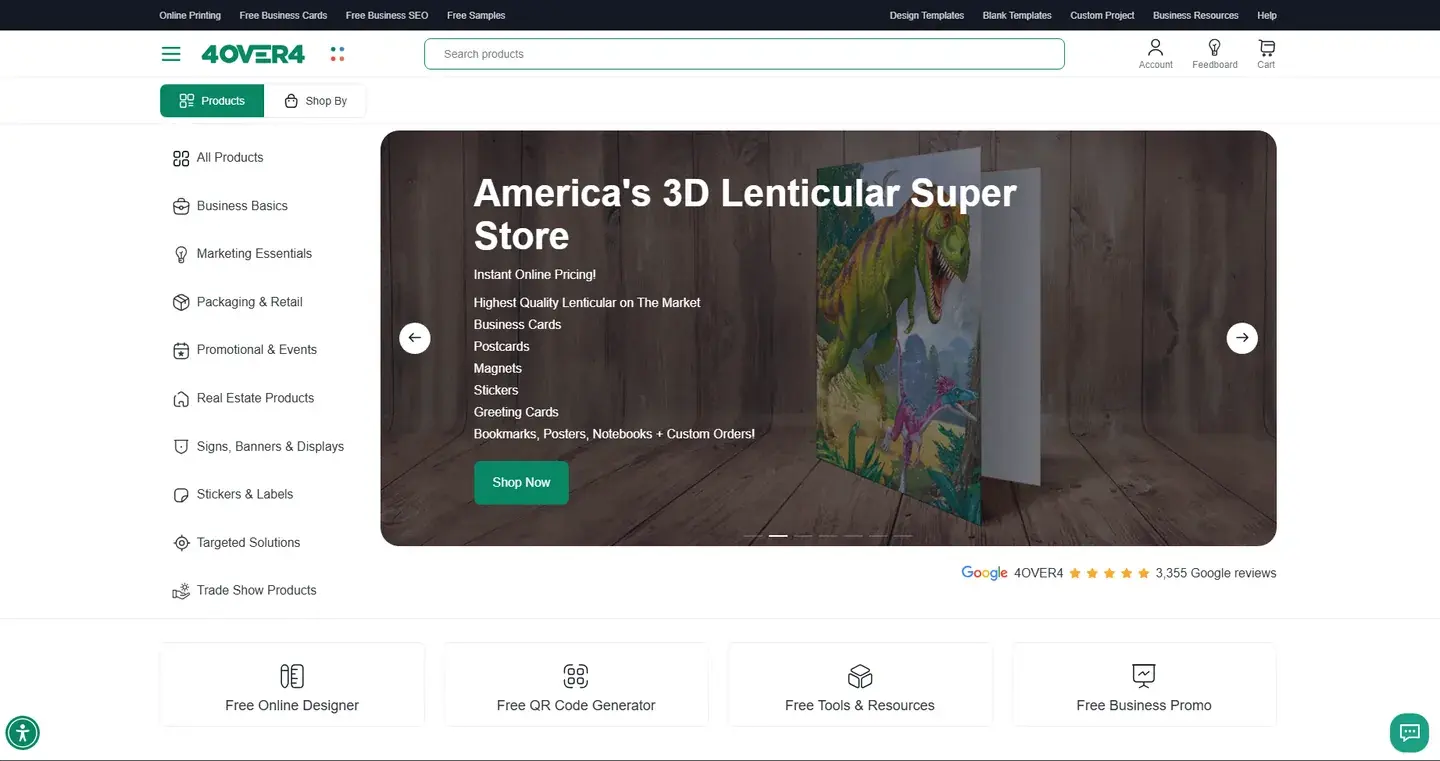
The same work also automated Adobe Illustrator (.ai) to SVG file conversion and added product recommendations for shoppers.
Keep Reading
Netbase delivered a retrieval-augmented generation (RAG) assistant remotely, combining AI consulting, engineering and integration.
Keep Reading
Netbase built the AI chatbot remotely, with OpenAI language models, an intent and flow layer and two-way CRM sync, in about four to eight weeks.
Keep ReadingRelated services and solutions
 Generative AI development with evaluation and human review
Netbase builds generative AI features for product and operations teams: drafting, summarising, rewriting and content generation inside the software your people and customers already use. Every feature ships with an evaluation set, a human review step where output matters and limits on cost. Generative AI is a capability we are growing, and we label its maturity honestly.
Learn More
 Enterprise AI knowledge assistants: RAG engineering with access control
Netbase engineers retrieval-augmented generation (RAG) over company knowledge: the ingestion, search, permission checks, cited answers and evaluation that let an internal assistant or a website RAG chatbot answer from your own documents. It is a growth capability with access control designed in from the first prototype, and Netbase has delivered a RAG knowledge assistant for an unnamed client.
Learn More  Responsible AI and MLOps for AI in production
MLOps and responsible AI keep an AI feature trustworthy after launch. Netbase's practice for monitored, governed AI in production covers evaluation before every release, versioning of models, prompts and data, monitoring of quality and cost, and incident controls with a named owner. It is a growth capability, backed by an MLOps pipeline delivered for an unnamed client.
Learn More  AI knowledge assistant: answers from company knowledge, with sources and access control
An AI knowledge assistant is an internal tool that answers employees' questions from your company's own documents and systems, cites the source behind every answer and shows each person only what they may see. Netbase offers it as a growth capability, designed with retrieval, evaluation and human review from the first pilot, and has delivered one for an unnamed client.
Learn More Related insights

Tune retrieval as a measured experiment, not a hunch: label real questions with the passages that answer them, change one thing at a time, chunking first, then hybrid search, then reranking, and keep a change only when recall@k rises within your latency and cost limits. This is how Netbase approaches retrieval work on knowledge assistants.

When a small language model beats a large one for a business task
A small language model beats a large one when the task is narrow, repeated at high volume, has a fixed set of answers, must respond fast or stay inside your own environment, and has labelled examples to learn from. Netbase scores those six signals per task, then tests both model sizes on your data before choosing.

How to prepare fine-tuning data: curation, labelling and leakage checks
Prepare fine-tuning data by passing it through five gates before any training run: confirm the right to use each source, curate out duplicates and noise, label against a written guide, split by customer and date so nothing leaks, and size the set from a small pilot. Netbase works through this checklist with a client before training is scheduled.
Work with Netbase remotely
Every Netbase engagement is delivered remotely, so clients in any country and any industry can work with us; Netbase has worked with clients in 80 countries. Contracts and invoices are issued by Netbase JSC, and payment is made by bank transfer to Netbase JSC's company account or PayPal Business. Talk to the CEO, Huy Nguyen (David), on WhatsApp or by email.
Discuss a project
Netbase JSC helps organizations design, build, modernize, and operate digital products and AI-enabled business systems.project@netbasejsc.com
+84 937 869 689
91 Nguyen Chi Thanh, Dong Da, Hanoi, Vietnam
Get in touch
Tell us what you want to build, modernize, or operate.