

WebXR or native AR with ARKit and ARCore: which delivery path fits?
Choose browser AR when reach matters more than device features, and a native ARKit and ARCore app when the feature needs tracking, depth, anchors or offline use the browser cannot give. This Netbase guide scores four delivery paths against eight capabilities, so the choice follows the feature rather than a preference for web or app.
Book a solution review See the related serviceBy Netbase Commerce and Platform Engineering Desk · Reviewed by David (CEO) · Updated · 10 min read

This guide is for product owners, e-commerce leads and technology leads who have an augmented reality idea, such as placing a product in a room or guiding a task on equipment, and must decide how it reaches users. It sits in Netbase's emerging technology cluster under the IoT development service, and the build itself is covered by the AR and VR development service.
In this guide
- What are the four ways to ship an AR feature?
- How do reach and capability compare across the four paths?
- How do you choose the path for your feature?
- When should you not build a native AR app?
- When should you not rely on WebXR alone?
- Where AI fits
- What delivery record exists, and what does not
- Alternatives: other ways to show a product or guide a task
- Limits of this guide
- Frequently asked questions
- Next step
What are the four ways to ship an AR feature?
There are four delivery paths, not two. Treating the choice as "web or app" hides the path most product pages actually need.
- WebXR in the browser. The W3C WebXR Device API gives web pages access to AR and VR devices and their sensors. A user opens a link, grants camera access and the experience runs in the page, built with a 3D library such as Three.js.
- Platform AR viewers. Apple's AR Quick Look shows USDZ models in AR from Safari on iPhone and iPad, and Google's Scene Viewer places glTF models in the user's room on Android. Google's model-viewer web component puts one AR button on a product page and hands off to the viewer each device supports.
- Native ARKit or ARCore. An iOS app on Apple ARKit or an Android app on Google ARCore, written for one platform at a time, with full access to the device's AR features.
- A cross-platform engine over both. Unity's AR Foundation lets one Unity project target ARKit on iOS and ARCore on Android through provider plug-ins, which suits teams that need native capability on both platforms.
How do reach and capability compare across the four paths?
The matrix below scores what each path gives a feature today. "Yes" means supported by the path's own documentation, "Partial" means supported on some devices or with limits, and "No" means the path cannot do it.
| Capability the feature needs | WebXR in the browser | Platform viewers | Native ARKit or ARCore |
|---|---|---|---|
| No install, opens from a link or QR code | Yes | Yes | No |
| iPhone and iPad reach | No | Yes | Yes |
| Placing an object on a floor or table | Partial | Yes | Yes |
| Depth, occlusion and light estimation | Partial | Partial | Yes |
| Image, face or object tracking | No | No | Yes |
| Custom interface and business logic in the AR view | Yes | No | Yes |
| Anchors that persist between sessions, offline use | No | No | Yes |
| Push messages and repeat use | No | No | Yes |
A cross-platform engine scores like the native column on both platforms, with one shared codebase and the engine's own update cycle to manage.
Three facts drive the matrix. MDN marks the WebXR Device API as experimental and not Baseline, because it does not work in some of the most widely used browsers, and Safari on iPhone is one of them. Google lists hit test, anchors, depth and light estimation as shipped in WebXR on Chrome, but augmented faces, augmented images and instant placement as not available. Platform viewers reach both phone platforms, but they show a model, not an application: the page cannot run its own logic inside the AR view.
How do you choose the path for your feature?
-
Name the job and the moment
Write one sentence: who uses the AR feature, where and how often. "A shopper checks whether a sofa fits, once" and "a technician follows a repair guide, daily" lead to different paths.
-
List the capabilities the job needs
Go down the rows of the matrix and mark only what the job cannot work without. A product preview usually needs placement and true scale; a guided task usually needs tracking of a real object and offline use.
-
Check your audience split
Read your own analytics for the share of iPhone and Android visitors. If iPhone users matter and the feature runs in the page, WebXR alone leaves them out, so pair it with AR Quick Look or choose an app.
-
Pick the lightest path that covers every marked row
Prefer platform viewers, then WebXR, then a native or cross-platform app. Every step to the right adds store releases, device testing and a longer maintenance list.
-
Budget the 3D assets separately
Every path needs optimised models. Scene Viewer recommends glTF models of 30,000 to 50,000 triangles, no more than 10 materials and no more than 10 MB, and AR Quick Look reads USDZ, so a two-format asset pipeline is part of the scope.
-
Prototype the riskiest row first
Test tracking, scale and lighting on the oldest devices your users carry before building the full interface.
When should you not build a native AR app?
Do not build an app when the feature is used once per visit, such as previewing a product before purchase. An install step stands between the shopper and the preview, and platform viewers already give true-scale placement on both phone platforms. Build an app only when a row of the matrix that only native covers is essential to the job.
When should you not rely on WebXR alone?
Do not rely on WebXR alone when iPhone users are a meaningful part of the audience, or when the feature needs image tracking, face tracking or anchors that survive a closed session. In those cases WebXR becomes a progressive enhancement for Android visitors, next to a viewer or an app that covers the rest.
Where AI fits
AI helps AR features where the camera view must be understood rather than only displayed: recognising which product or part is in front of the user, reading a label to pick the right guide, or turning a spoken question into the next instruction. Engineers still choose the model, test recognition on the real objects and lighting, keep a manual fallback when recognition fails and decide what data leaves the device. Netbase works with the major commercial and open-source AI tools and models, chosen per project.
- In delivered work
Recommendation engine
A recommendation engine delivered for 4over4's online printing store; it suggests products and is not an AR feature.
- Available capability
Computer vision for camera features
Computer vision is a Netbase AI capability area; not yet tied to a published AR case.
What delivery record exists, and what does not
Netbase designs, builds, integrates and runs software across technologies, solution types and industries; AR and VR development is part of that scope as a capability statement, not a claim of past AR projects.
The closest delivered record is the web-plus-native split itself. For Dey Page, a business directory, Netbase scoped a server-rendered, mobile-first web directory together with a React Native app for iOS and Android, with field verification that uses GPS, geotagged photos and offline sync. It contains no augmented reality, but it shows the same decision this guide describes: the web reaches every visitor, and the app carries the device features and repeat use.
Netbase does not publish an AR case study, an engagement or conversion figure for AR, or a device test result. The capability scores above come from platform documentation, not from Netbase measurements. Delivery follows Netbase's six-step lifecycle from discovery to ongoing support, and most projects are delivered on fixed-price contracts, which suits an AR feature whose path and device list are fixed in discovery.
Alternatives: other ways to show a product or guide a task
AR is not the only answer to "help the user see it in place". Selection criteria:
- An interactive 3D viewer without AR: when users need to rotate and configure a product but not place it in a room. It works on every device with WebGL and shares its assets with a later AR release; a product personalisation solution is the usual home for it.
- Photos and video in context: when the product range changes faster than 3D models can be made, or when scale is not the question.
- A plain mobile app with camera capture: when the field task needs photos, checklists and offline sync but no digital content placed on the scene; see the mobile app development service.
- A digital twin view: when the AR idea is really about showing the live state of equipment, test first whether a model of the asset pays back with the digital twin payback filter.
If the AR feature is one part of a connected device project, scope the device, connectivity, cloud and application layers first with the IoT project scoping checklist.
Limits of this guide
- Browser and platform support changes with every release; the matrix reflects the documentation accessed on 2026-11-20 and must be re-checked before a build.
- It covers phones and tablets; headsets such as Apple Vision Pro and Meta Quest have their own browser and native trade-offs.
- Camera-based web AR toolkits that do their own tracking outside WebXR are not scored here; assess their licence and device support separately.
Plan the next step with a Netbase consultant
Frequently asked questions
Not in Safari on iPhone today: MDN lists the WebXR Device API as not Baseline because some of the most widely used browsers lack it. For iPhone users, a web page can open a USDZ model in AR Quick Look instead, or the feature ships as an ARKit app.
Usually yes. Placing a product at true scale on a floor or table works through AR Quick Look on iPhone and Scene Viewer or WebXR on Android, all opened from the product page without an install. An app is justified only when shoppers return to it often.
Not necessarily. A cross-platform engine such as Unity's AR Foundation targets ARKit on iOS and ARCore on Android from one project. Separate native apps make sense when the feature depends on a platform-specific capability or must match each platform's interface closely.
One sentence on who uses the feature, where and how often, the capabilities from the matrix that the job cannot work without, your iPhone and Android audience split, and the 3D models you already have and their formats.
Next step
If you have an AR idea for a product page or a field task, describe the job and your audience and we will reply with a recommended delivery path and a first scope.
Work behind this guide

Netbase delivered the web platform and one React Native app for iOS and Android remotely, starting in Abia State and built to scale to all 36 states.
Keep ReadingRelated services and solutions
 IoT development with AI analytics that connects devices to the business
Netbase provides IoT development for manufacturers, logistics operators and product companies to connect devices and sensor data to the business platforms that act on them, with AI that spots anomalies and forecasts what needs attention. We design the device-to-cloud data path, build the back end, dashboards and integrations, and treat security, data ownership and AI as design decisions.
Learn More
 Mobile app development with AI features for commerce and product teams
Netbase provides mobile app development for retailers, startups and product teams to reach customers on the phone they already use: cross-platform React Native apps and mobile-optimized commerce that loads fast, converts and uses AI where the phone makes it useful. We scope each app in discovery, reuse your existing backend and APIs, and plan the store release with you.
Learn More 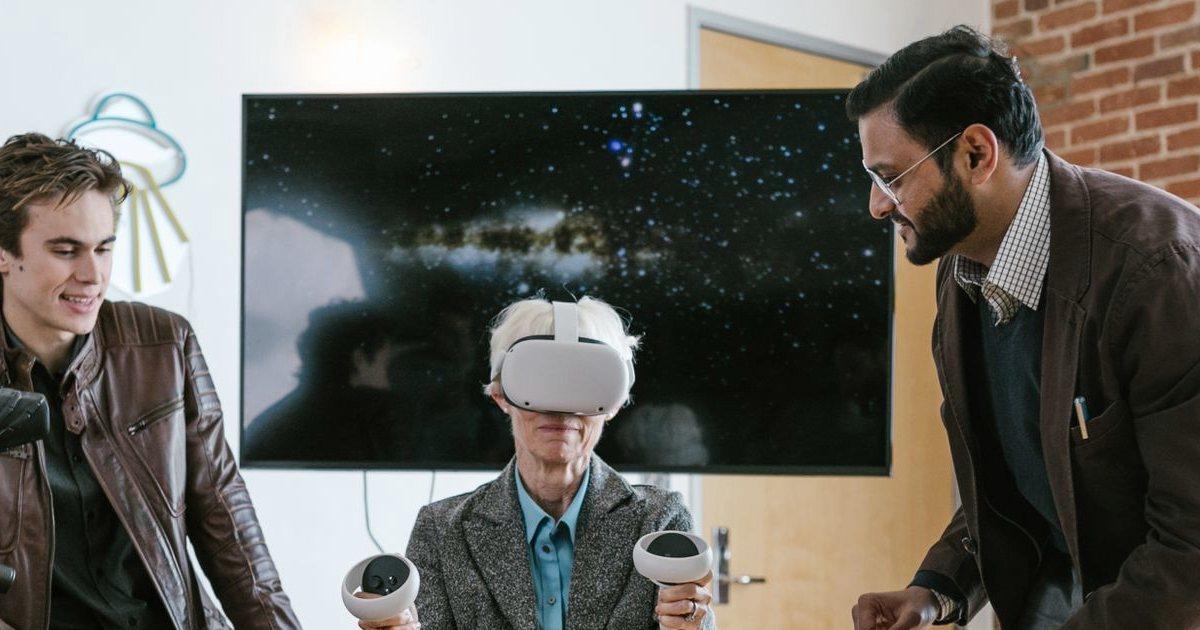 AR and VR development: apps, guided work and remote assistance
Netbase designs and builds augmented and virtual reality applications: product visualisation in a phone or browser, guided work and remote assistance for field and workshop teams, and VR training and walkthroughs. Each one is connected to the catalogue, service and learning systems you already run. We start by checking whether spatial content helps the task at all.
Learn More  Product personalization software with AI design suggestions: let shoppers design what they buy
Product personalization software lets shoppers design custom products online, adding their own text, images and options with a live preview and AI design suggestions before they buy. Netbase builds it into commerce platforms: at USticker, shoppers using the design tool converted 40% better, and Indieprint cut design errors 28% with automated print-ready files.
Learn More Related insights

To prepare smart contracts for an external audit, freeze the code at one commit, write down what is in and out of scope, finish unit, fuzz and invariant tests, document the roles and expected behaviour, and reserve time to fix findings. Netbase prepares contracts this way so that paid audit days go to real logic flaws.

Tokenized Loyalty and Rewards: Product Questions Before Choosing Blockchain
Before choosing blockchain for a loyalty program, settle ten product questions about point value, transfer, redemption, partner settlement and member onboarding; most programs that answer them honestly need a well-run points database, and a token fits only when members must hold and move value across companies. This Netbase guide gives the screen and the operating duties.

When does a digital twin of physical assets pay back?
A digital twin pays back when it changes a frequent, costly decision about physical assets and the data to feed it already exists. This Netbase guide applies a five-question filter: which decision changes, what an error costs, how often it is made, which data exists, and who acts. Most proposals pass as dashboards first.
Work with Netbase remotely
Every Netbase engagement is delivered remotely, so clients in any country and any industry can work with us; Netbase has worked with clients in 80 countries. Contracts and invoices are issued by Netbase JSC, and payment is made by bank transfer to Netbase JSC's company account or PayPal Business. Talk to the CEO, Huy Nguyen (David), on WhatsApp or by email.
Discuss a project
Netbase JSC helps organizations design, build, modernize, and operate digital products and AI-enabled business systems.project@netbasejsc.com
+84 937 869 689
91 Nguyen Chi Thanh, Dong Da, Hanoi, Vietnam
Get in touch
Tell us what you want to build, modernize, or operate.