

Measuring ROI from AI Print Automation
A business proves an AI print-automation capability paid off by recording a baseline for that capability alone before rollout — volume, exception rate, time per unit, error or reprint rate — then tracking the identical metric after launch, separately from every other change, instead of folding the result into one whole-platform ROI number.
Book a solution review See the related solutionBy Huy Nguyen (David), Founder & CEO · Updated · 8 min read

This guide is for a print or personalized-product business that has already chosen or built an AI capability — preflight, instant quoting, generative design, agent/MCP ordering, AI customer service, production routing or catalog enrichment — using the vendor scorecard or its own build process, and now needs to prove what that specific capability did. It assumes the whole-platform business case is already made; the web-to-print platform guide covers that calculation, and our e-commerce development team builds the capabilities this guide measures.
In this guide
- How do you separate an AI capability's effect from everything else that changed?
- The baseline-and-tracking framework: one row per AI capability
- How to run the tracking framework
- Where AI fits
- What delivery record exists, and what does not
- Alternatives: whole-platform ROI, per-capability tracking, or both
- Limits of this guide
- Frequently asked questions
- Next step
How do you separate an AI capability's effect from everything else that changed?
You separate it by recording a baseline for that capability alone, fixing a review window, and listing every other change made in the same window — a price change, a marketing push, a seasonal peak, a platform migration — so the AI capability is credited only for what its own metric moved, not for a result another change produced. A whole- platform ROI number, like the one in the web-to-print platform guide, blends every cause together; this is why that number cannot answer whether one AI capability inside the platform paid for itself.
The baseline-and-tracking framework: one row per AI capability
Record the baseline column before the capability goes live, and the after-rollout metric on the same cadence once it is live. Each row matches one of Netbase's cluster-11 capability guides and its own automate/assist/escalate design, not a generic AI-ROI metric.
| Capability | Baseline to record before rollout | Metric to track after rollout | What it catches |
|---|---|---|---|
| Artwork preflight | Files rejected or hand-fixed per week, and operator minutes per fixed file | Files auto-fixed vs. escalated, and operator minutes per escalated file | Whether auto-fixing moved labour to escalation review instead of removing it |
| Instant quoting | Quote-to-order time and quote-accuracy rate on a sample of manual quotes | Quote-to-order time and quote-accuracy rate on the same sample definition | A faster quote that is wrong more often, which shows up as rework, not speed |
| Generative design editor | Design-completion rate and proof-rejection rate before the AI tool | Design-completion rate and proof-rejection rate after, plus guardrail-override rate | Faster designs that fail preflight more often downstream |
| Agent/MCP ordering | Reorder rate and support contacts per order, human-channel only | Reorder rate and support contacts per order, split human vs. agent channel | Order volume moving to the agent channel without actually reducing support load |
| AI customer service | First-response time and reprint-request rate | First-response time, reprint-request rate and escalation-to-human rate | A fast automated reply that still escalates most reprint disputes to a person |
| Production routing | Planner override rate and job lateness rate under manual scheduling | Planner override rate and job lateness rate under AI scheduling | An AI schedule a planner overrides so often that the labour saving never appears |
| Catalog enrichment | Listing time per SKU and attribute-error rate found in QA | Listing time per SKU and attribute-error rate found in QA, same sample size | Faster listings that push error-finding downstream to a customer complaint |
How to run the tracking framework
-
List every AI capability you have added or are adding
Treat each one as its own row; do not combine two capabilities into one baseline.
-
Record the baseline before rollout
, using the column above for each capability, over a normal multi-week period rather than a single week.
-
Fix the review window and the sample definition
, and keep both unchanged until the review date; changing either mid-window invalidates the comparison.
-
Track the same metric after rollout
, measured the same way, on the same cadence.
-
List every other change made in the window
pricing, marketing spend, a platform migration, a staffing change — so a reader can judge what else might explain a moved metric.
-
Report capability by capability
, not as one blended AI number; a reader needs to see which capability moved which metric.
-
Re-baseline after a material change
to a capability's rules — a new escalation threshold, a vendor swap, a retrained quoting model — because the old baseline no longer describes the system being measured.
Where AI fits
The baseline-and-tracking framework exists because each AI print-automation capability has its own automate/assist/escalate boundary; see the capability-specific guides linked in the table above for the exact rules each one applies, and the scorecard for choosing a vendor or build option before any of this tracking starts.
-
In delivered work
Product recommendation engine
Built for 4over4's online printing store from browsing and purchase history; production time fell 40% and 200+ templates went live in three months, the one delivered AI feature with a published before/after figure a tracking framework on this page can point to.
-
Available capability
AI-assisted anomaly flags on tracked metrics
Flagging automatically when a capability's after-rollout metric moves outside its own baseline range is a machine learning feature; not yet tied to a published Netbase project.
What delivery record exists, and what does not
Netbase has delivered 50+ custom web-to-print platforms (F014), each one a launch-and-measure cycle against a recorded baseline. The only published before/after figures for a delivered automation feature are 4over4's: 4over4's recommendation engine shipped alongside an automated Adobe Illustrator (.ai) to SVG file conversion — file-format workflow automation, not artificial intelligence — and together the project's registered results show production time down 40% and 200+ templates live within three months (F028, F031). Netbase has also built personalization and AI-adjacent editor features — a remove-background tool and a 30-plus-style cartoon filter for an unnamed print client, and a 3D product preview and background-image picker for named clients Rebelo AG and USticker — with no published before/after figure for any of them (F141, F149); they are not used as tracking examples here beyond showing that the scope exists. Netbase's own AI practice is model-agnostic, working with major commercial and open-source models chosen per project (F070), which is why the framework's cost baseline asks for a vendor/API cost line rather than naming one model. What does not exist: a published Netbase record of running this seven-capability tracking framework end to end on a named client, and no ROI percentage, accuracy figure or price is published anywhere on this page beyond the registered F031 numbers.
Alternatives: whole-platform ROI, per-capability tracking, or both
| Option | Strength | Risk | Choose it when |
|---|---|---|---|
| The pillar's whole-platform ROI formula only | One number for the business case; simple to report upward | Cannot show which AI capability, if any, moved the number | You have not yet added a standalone AI capability, or only want the platform-level business case |
| This page's per-capability framework only | Shows exactly which capability moved which metric | Misses the whole-platform picture (conversion, AOV, total labour) the pillar covers | You already have the platform-level number and need to justify one AI capability specifically |
| Both together (recommended once an AI capability ships) | The platform number for the business case, the per-capability rows for what caused it | More metrics to own and report | You are reporting to stakeholders who ask both "did the platform pay off" and "did the AI feature pay off" |
Limits of this guide
- This framework tracks what to measure, not a target or benchmark; no accuracy percentage, pilot duration or ROI figure is published here for any capability beyond the registered 4over4 numbers.
- It does not replace the pillar's whole-platform ROI calculation, and it does not replace the scorecard's pre-purchase evaluation; it starts after a capability is chosen or built.
- A short review window can show adoption lag, not failure; the same "measuring too early" caution the pillar gives for the whole platform applies to each capability's own metric.
- This guide does not cover generic enterprise AI-ROI accounting (depreciation schedules, tax treatment of software capitalisation); apply the capability-specific rows above on top of your own finance team's method for that.
- This guide does not say what to do once an after-rollout metric comes back worse than baseline; see diagnose, adjust or roll back for that decision.
Plan the next step with a Netbase consultant
Frequently asked questions
Not on its own. The platform formula answers whether the whole platform paid off; it cannot tell you which AI capability inside it caused the change, because its metrics are store-wide, not capability-specific.
Baseline and track each one on its own row with its own metric, and list the other capability as a concurrent change in both rows' reports; launching them together does not let you combine their metrics into one number.
Only after the fixed review window you set before rollout, on the same sample definition as the baseline; reporting before that window closes usually captures adoption lag, not the capability's real effect.
Next step
Pick the AI capabilities you have already chosen or built, record their baselines using the framework above, then book a solution review to check your tracking plan against our web-to-print delivery experience.
Work behind this guide
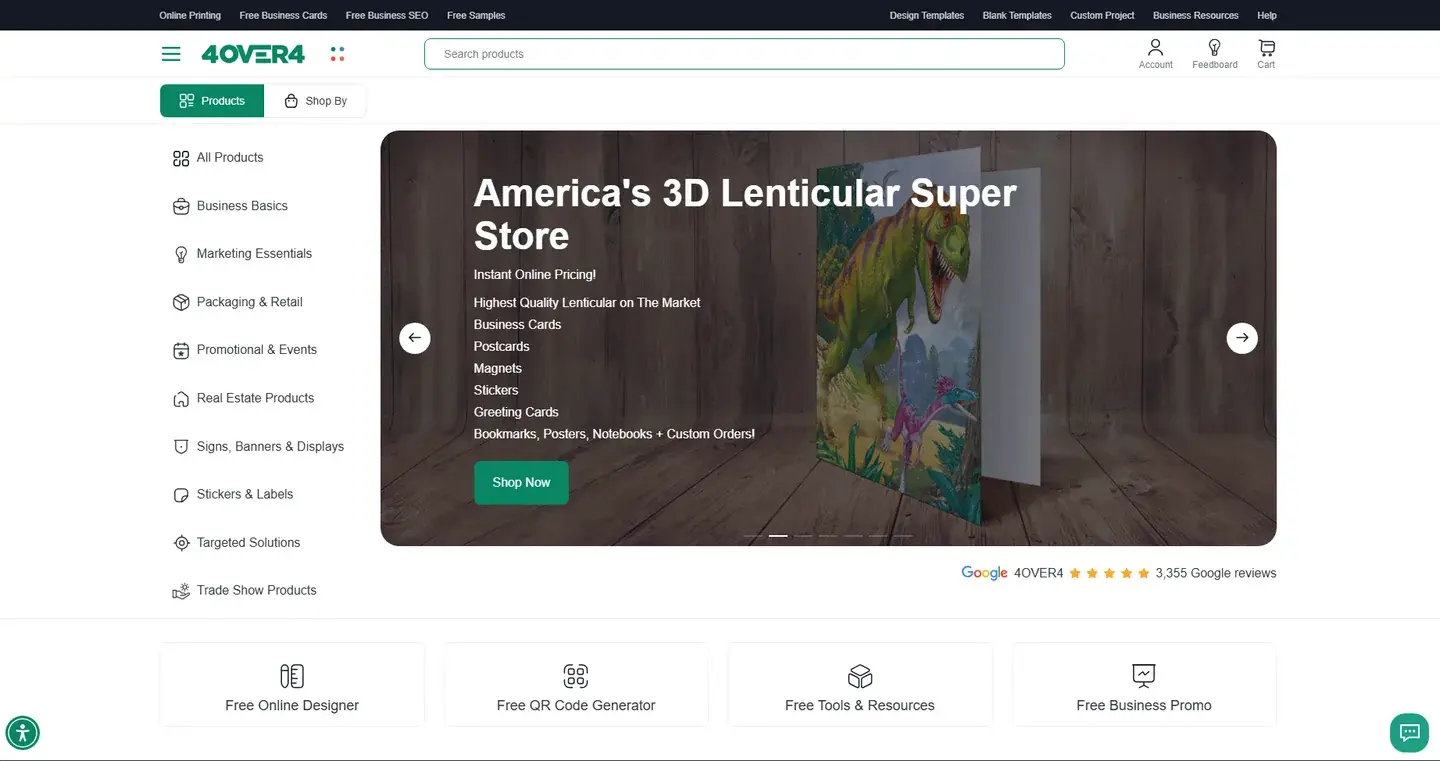
Netbase JSC worked remotely to rework checkout, search and navigation, automate Adobe Illustrator (.ai) to SVG file conversion and add recommendations.
Keep Reading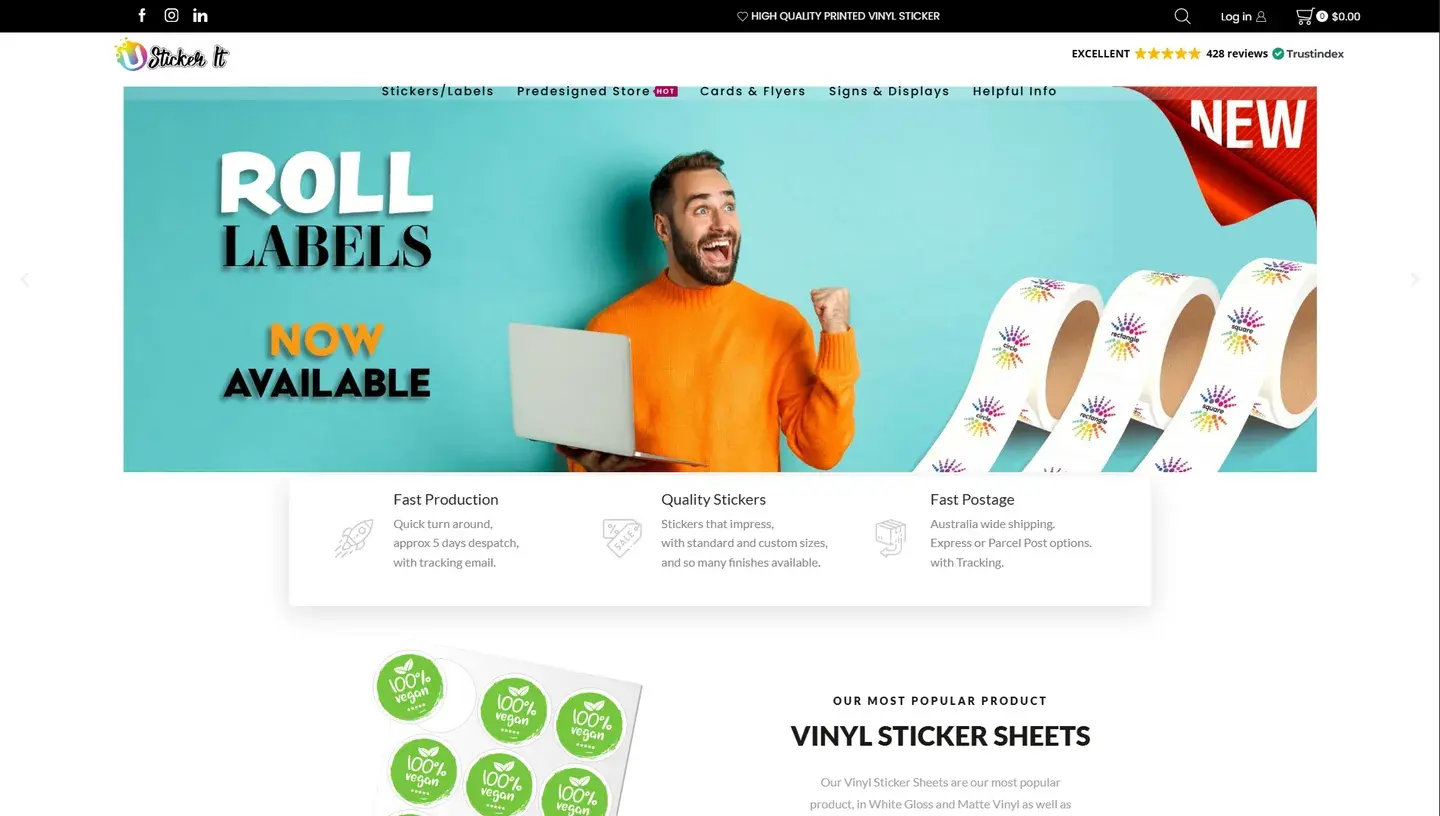
USticker, a family-owned sticker printer in Western Sydney, Australia, wanted customers to set background images and colors in its online design tool and to check out faster.
Keep ReadingRelated services and solutions
 AI-enabled ecommerce development for merchants who outgrew templates
Netbase provides custom ecommerce development for merchants that have outgrown templates, to turn traffic into orders with less manual work, using AI for search, recommendations and catalog work where it pays. We build on WooCommerce, Magento 2, Laravel and headless stacks; 4over4, whose store gained an AI recommendation engine, reported 82% more revenue within six months.
Learn More
 Web-to-print platform with AI design assistance, from online design to a print-ready order
A web-to-print platform is an online ordering, design and prepress workflow that helps print businesses sell custom products: customers configure, design and approve their order online, AI can suggest layouts and catch artwork problems, and production receives a print-ready file. Netbase has delivered 50+ custom web-to-print platforms across apparel, packaging, signage, promotional merchandise and corporate B2B portals.
Learn More
Work with Netbase remotely
Every Netbase engagement is delivered remotely, so clients in any country and any industry can work with us; Netbase has worked with clients in 80 countries. Contracts and invoices are issued by Netbase JSC, and payment is made by bank transfer to Netbase JSC's company account or PayPal Business. Talk to the CEO, Huy Nguyen (David), on WhatsApp or by email.
Discuss a project
Netbase JSC helps organizations design, build, modernize, and operate digital products and AI-enabled business systems.project@netbasejsc.com
+84 937 869 689
91 Nguyen Chi Thanh, Dong Da, Hanoi, Vietnam
Get in touch
Tell us what you want to build, modernize, or operate.