

Hosted, plugin or API-first: choosing a web-to-print platform model
A web-to-print platform takes one of three shapes: hosted and standalone, a plugin inside a store you already run, or API-first behind one. Pick by how much of the storefront you already own, how complex your catalog and pricing are, and how many systems an order must reach — not by a vendor's feature list.
Book a solution review See the related solutionBy Huy Nguyen (David), Founder & CEO · Updated · 10 min read

This guide is for owners, product and operations leads choosing or re-platforming a web-to-print storefront, once the build, buy or hybrid decision is made: it narrows that decision to one axis, the architecture the platform itself takes. The web-to-print platform solution and e-commerce development service cover delivery once a model is chosen.
In this guide
- Three shapes, one buyer decision
- Decision matrix: score your business against each model
- A short decision method
- Where AI fits, by platform model
- What delivery record exists, and what does not
- Alternatives: who operates each model day to day
- Limits of this guide
- Frequently asked questions
- Next step
Three shapes, one buyer decision
Treat "platform model" as a separate question from "build or buy." All three models below can be bought as a product; the question here is how each one sits next to the rest of your business.
- Hosted, standalone. A storefront, designer and order/production workflow in one product, almost always SaaS-hosted. It is (or replaces) your primary storefront. OnPrintShop's own buyer's guide names this shape "All-in-One W2P Platforms (Storefront + Production + Automation)," alongside narrower categories such as "Print MIS with W2P Modules" (accessed 2026-10-07).
- Plugin / embedded. A designer and order flow added inside a store you keep running on another platform (Shopify, WooCommerce, Magento, Wix). The same OnPrintShop guide calls this category "eCommerce Platforms with Print Plugins": your checkout, catalog base and customer accounts stay on the host platform.
- API-first / headless. An artwork, pricing or production-automation layer that plugs into whatever storefront or systems you already run; OnPrintShop labels the closest category "Trade Printer API and Fulfillment Platforms," and IMG.LY frames its own SDK the same way: "CE.SDK without a development team is a library nobody can deploy" (accessed 2026-10-07) — the model trades a ready interface for engineering control.
No category is "best." DesignNBuy's own standard-vs-custom comparison scores the trade-off on three axes that apply across all three models here too: implementation timeline and cost, customization and flexibility, and integration depth (accessed 2026-10-07). The rest of this guide turns those axes into a decision method.
Decision matrix: score your business against each model
| Criterion | Hosted, standalone | Plugin / embedded | API-first / headless |
|---|---|---|---|
| Who owns the storefront | The platform; you configure it | You, on the host platform | You, end to end |
| Catalog and pricing ceiling | High — built for print-specific pricing rules | Moderate — shares the host platform's product/variant model | High — your own system carries the pricing logic |
| Time to a first live order | Weeks, once catalog and content are loaded | Days, if your catalog fits the app's model | Longest — your team builds the storefront integration |
| Reach into MIS, ERP, CRM, shipping | The platform's own connectors or its API | Usually limited to the host platform's app ecosystem | Full control, the same integration effort as any API project |
| Who owns ongoing engineering | The vendor owns the product | The vendor owns the app; the host platform owns the store | You own the integration and its upkeep |
| Vendor lock-in and migration cost | Highest — storefront, catalog and orders live in the vendor's data model | Medium — catalog stays on the host platform; design and order data may not export cleanly | Lowest — the automation layer sits behind a storefront you already control |
A "yes" to several of the first three rows points toward hosted; a "yes" to the fourth and fifth rows, with an existing store you like, points toward plugin; a "yes" to the fifth and sixth rows, with engineering capacity, points toward API-first.
A short decision method
-
Do you already have a storefront you do not want to replace?
If yes, rule out hosted standalone; choose between plugin and API-first on the next steps.
-
Does your catalog fit the host platform's product and variant model?
If yes, a plugin is the fastest route. If your pricing depends on dimensions, materials, finishes or dielines the host platform cannot express, move to API-first or hosted.
-
Must the order reach more than one MIS, ERP, CRM or production site?
Plugins are usually limited to the host platform's own app ecosystem; hosted and API-first both give you a full integration surface, as our integrations guide covers once a model is picked.
-
Do you have engineering capacity to own an integration, not just configure a product?
API-first needs it; hosted and plugin do not.
-
Is switching cost later a bigger risk than speed today?
If yes, API-first keeps the most optionality; hosted carries the most lock-in because the storefront itself lives in the vendor's model.
-
Is the designer the only piece you are missing?
Then the decision is narrower than this guide: see build, buy or extend the editor instead of a full platform model.
Where AI fits, by platform model
AI features sit at a different layer depending on the model chosen. In a hosted platform, preflight and quoting assistance are usually built in or added as modules, whichever vendor supplies them. In a plugin, AI features are whatever the app ships; you cannot add your own without API access the app may not expose. In an API-first layer, AI is something you call from your own stack, so it is your own escalation and approval rules that govern it. Netbase's own AI preflight and AI instant quoting guides set the escalation and approval rules either path needs. Netbase works with the major commercial and open-source AI models, chosen per project, rather than one vendor's stack (F070). An API-first layer is also the natural place to expose the same quote and order functions as MCP tools for an AI assistant, as our agent-ready ordering guide sets out. Whichever model you choose, score the AI feature itself (vendor module, app feature, or your own build) against the vendor scorecard before committing.
-
In delivered work
Product recommendation engine
Built for 4over4's online printing store from browsing and purchase history; it runs the same way whichever platform model sits underneath it.
-
Available capability
AI-assisted platform-fit scoring
Scoring a store's catalog, systems and order volume against the decision matrix above is a machine learning and generative AI feature; not yet tied to a published platform-selection case.
What delivery record exists, and what does not
Netbase has delivered across all three shapes, though not for one client choosing between them on a single project:
- Hosted, standalone. 50+ custom web-to-print platforms delivered across apparel, packaging, signage, promotional merchandise and corporate B2B portals (F014). Deyar Printing & Advertising is one such build: a bilingual Arabic/English platform on a Laravel headless-commerce foundation with the Printcart web-to-print engine, covering an online designer, dynamic pricing, print-ready PDF generation with preflight and proof approval, RFQ capture, multi-branch ordering and a production back-office, with ERP and e-invoicing planned as a later phase (F117).
- Plugin / embedded. Printcart, a Netbase Business Division, runs either on a merchant's own store or as Shopify, Wix and WooCommerce apps, with setup in about 7 days and 2,000+ stores using the product (F175) — the same plugin model this guide describes, offered both ways.
- API-first pattern (not web-to-print specific). Netbase's work as offshore development and managing partner on a multi-tenant cloud ERP for an unnamed US client covered API integrations in its first phase (F076), and separate ERP/CRM engagements have synchronised e-commerce catalogues, inventory, orders and customer data by API (F077). Netbase names API-first integration among the delivery patterns it covers (F084). These are commerce and ERP integrations, not a web-to-print API layer specifically; they show the integration pattern, not a print-specific result.
What does not exist. No published Netbase record compares all three platform models for one client, and none publishes a migration cost, switching time or integration-count figure for choosing between them. The criteria above come from delivery practice across the separate engagements listed and the cited vendor and category sources, not from one measured project.
Alternatives: who operates each model day to day
| Route | Strength | Choose it when |
|---|---|---|
| Your own team, configuring a hosted product | No integration engineering; fastest to a working storefront | A hosted platform's catalog and pricing model already fits your products |
| Your marketing or ops team, managing a plugin | Keeps your existing store, checkout and SEO | Personalization is additive to a catalog that already works on your platform |
| A dedicated integration partner, building API-first | One team across your storefront and the print automation layer | Your catalog, pricing or integration needs outgrow what a product or plugin exposes |
In Netbase custom development the client owns the IP created for it (F020), and most projects run on fixed-price contracts agreed after discovery (F067). The offer sits in e-commerce development and the web-to-print platform solution, for printing and packaging businesses; see how the model plays out in practice in our web-to-print project notes. Choosing the platform model is one decision; deciding what you hand to a development partner and what you keep is a separate one, covered in our outsourcing-scope guide.
Limits of this guide
- Vendor boundaries move: a plugin today may ship an API next year, and a hosted platform may add a headless mode. Check a product's current documentation before deciding.
- The decision matrix is a starting method, not a scoring formula; weigh the rows that matter to your own catalog and systems.
- No price, licence fee or starting rate is published here for any product, Netbase's included; no migration-cost or switching-time figure is claimed.
Plan the next step with a Netbase consultant
Frequently asked questions
Usually yes for the automation layer, but your catalog and order history stay on the host platform unless you plan the export path from day one. Treat it as a future migration, not a free upgrade.
No. API-first automation plugs into a storefront you already run or build; it replaces the artwork, pricing or production logic behind the scenes, not the customer-facing store itself.
No — it is often the fastest if your catalog and pricing already fit its model. It becomes the slower, costlier route only when your products need customization the platform was not built for.
Not for hosted or plugin, where the vendor or app owns the engineering. API-first needs a team (yours or a partner's) to own the integration on an ongoing basis.
Next step
Tell us which storefront, catalog and systems you already run, and we will book a solution review to score hosted, plugin and API-first against your own criteria. You can also see the web-to-print platform solution or browse more Netbase insights.
Work behind this guide
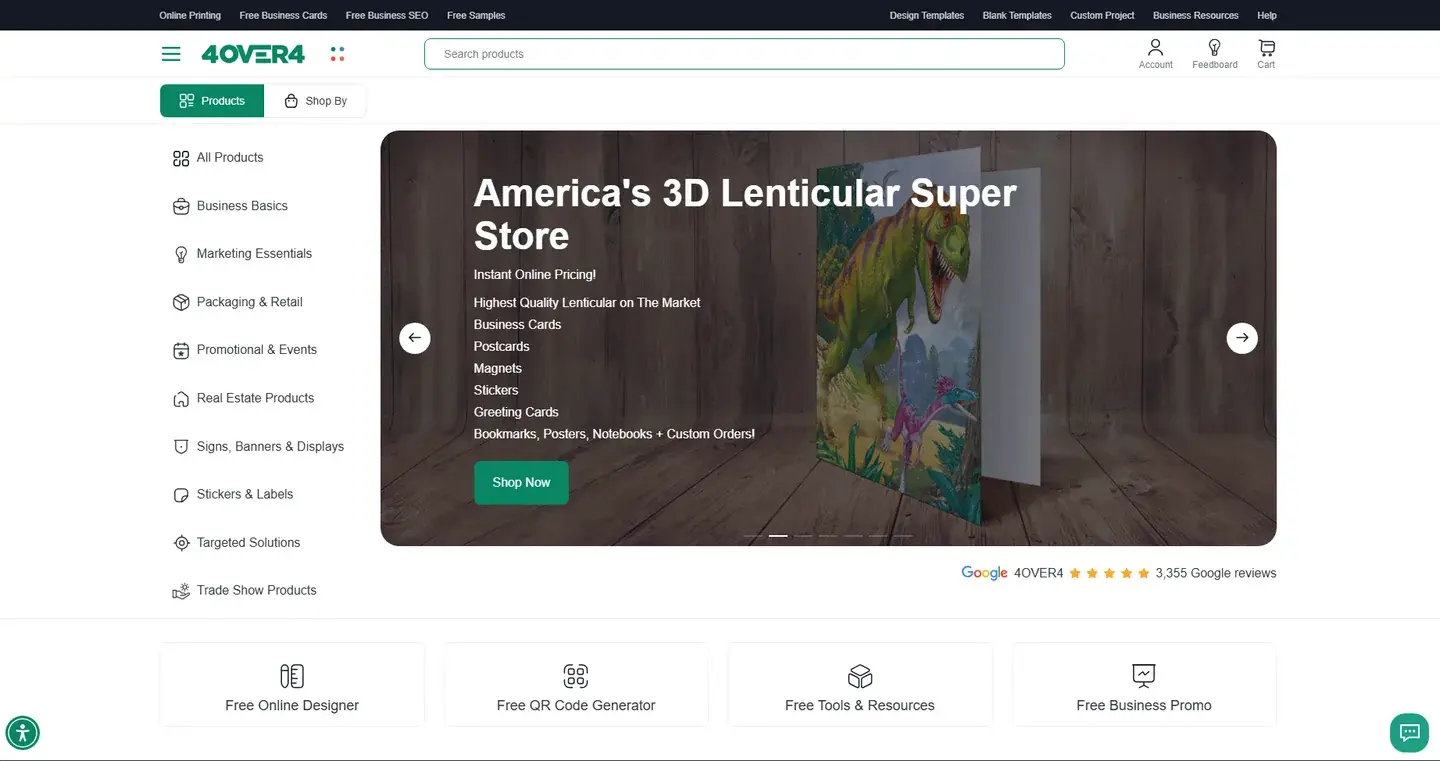
Within six months 4over4 reported 82% higher e-commerce revenue and a 48% higher conversion rate.
Keep Reading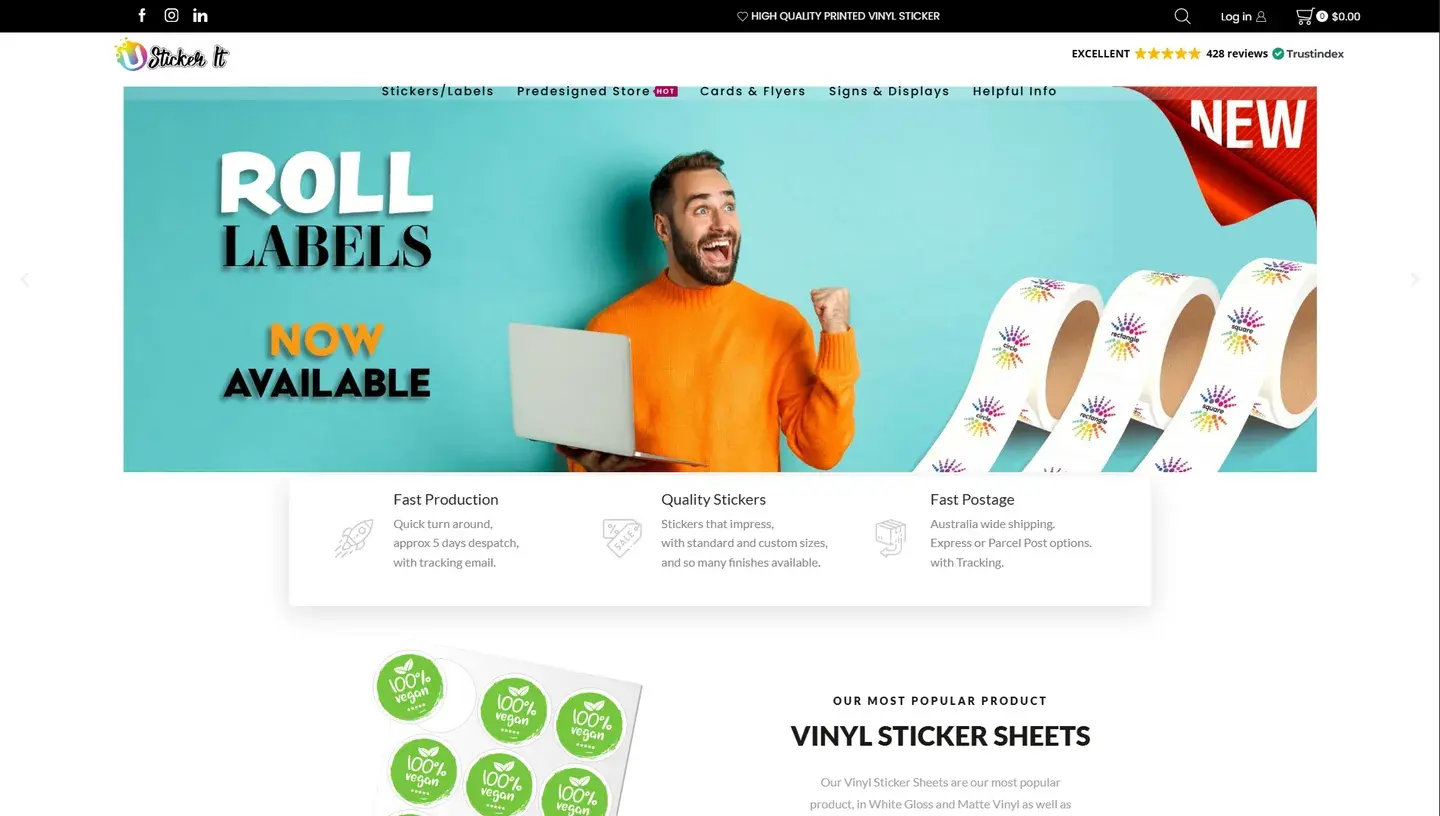
USticker, a family-owned sticker printer in Western Sydney, Australia, wanted customers to set background images and colors in its online design tool and to check out faster.
Keep ReadingRelated services and solutions
 AI-enabled ecommerce development for merchants who outgrew templates
Netbase provides custom ecommerce development for merchants that have outgrown templates, to turn traffic into orders with less manual work, using AI for search, recommendations and catalog work where it pays. We build on WooCommerce, Magento 2, Laravel and headless stacks; 4over4, whose store gained an AI recommendation engine, reported 82% more revenue within six months.
Learn More
 Web-to-print platform with AI design assistance, from online design to a print-ready order
A web-to-print platform is an online ordering, design and prepress workflow that helps print businesses sell custom products: customers configure, design and approve their order online, AI can suggest layouts and catch artwork problems, and production receives a print-ready file. Netbase has delivered 50+ custom web-to-print platforms across apparel, packaging, signage, promotional merchandise and corporate B2B portals.
Learn More
Work with Netbase remotely
Every Netbase engagement is delivered remotely, so clients in any country and any industry can work with us; Netbase has worked with clients in 80 countries. Contracts and invoices are issued by Netbase JSC, and payment is made by bank transfer to Netbase JSC's company account or PayPal Business. Talk to the CEO, Huy Nguyen (David), on WhatsApp or by email.
Discuss a project
Netbase JSC helps organizations design, build, modernize, and operate digital products and AI-enabled business systems.project@netbasejsc.com
+84 937 869 689
91 Nguyen Chi Thanh, Dong Da, Hanoi, Vietnam
Get in touch
Tell us what you want to build, modernize, or operate.